

Day by Dot
Habit Tracker
Build a habit or reduce one, a day at a time. Record Yes, No, or Skip, add a note, and explore your patterns in a private habit journal for iPhone.
In development · Public download not yet available
- iOS 17 or later
Screenshots
On iPhone
A little, every day
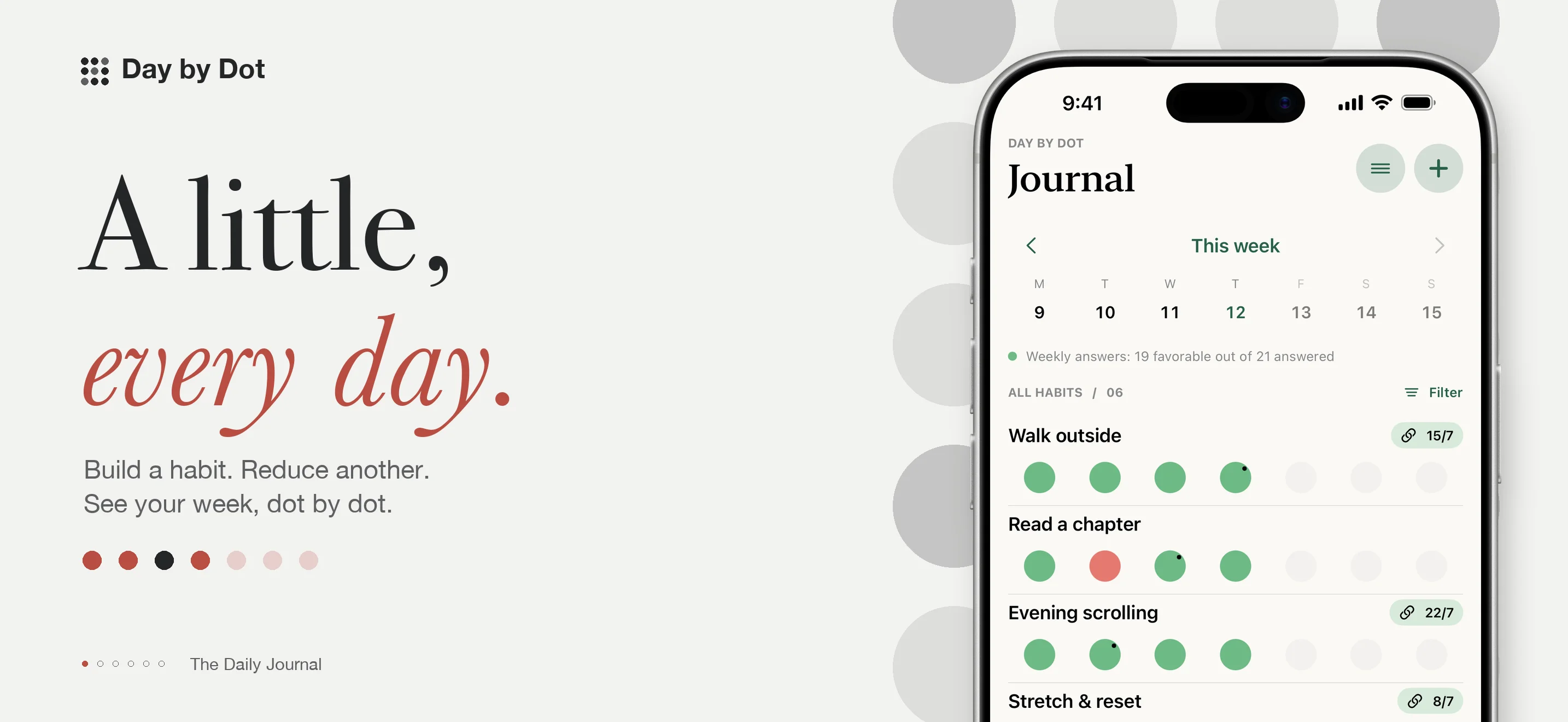
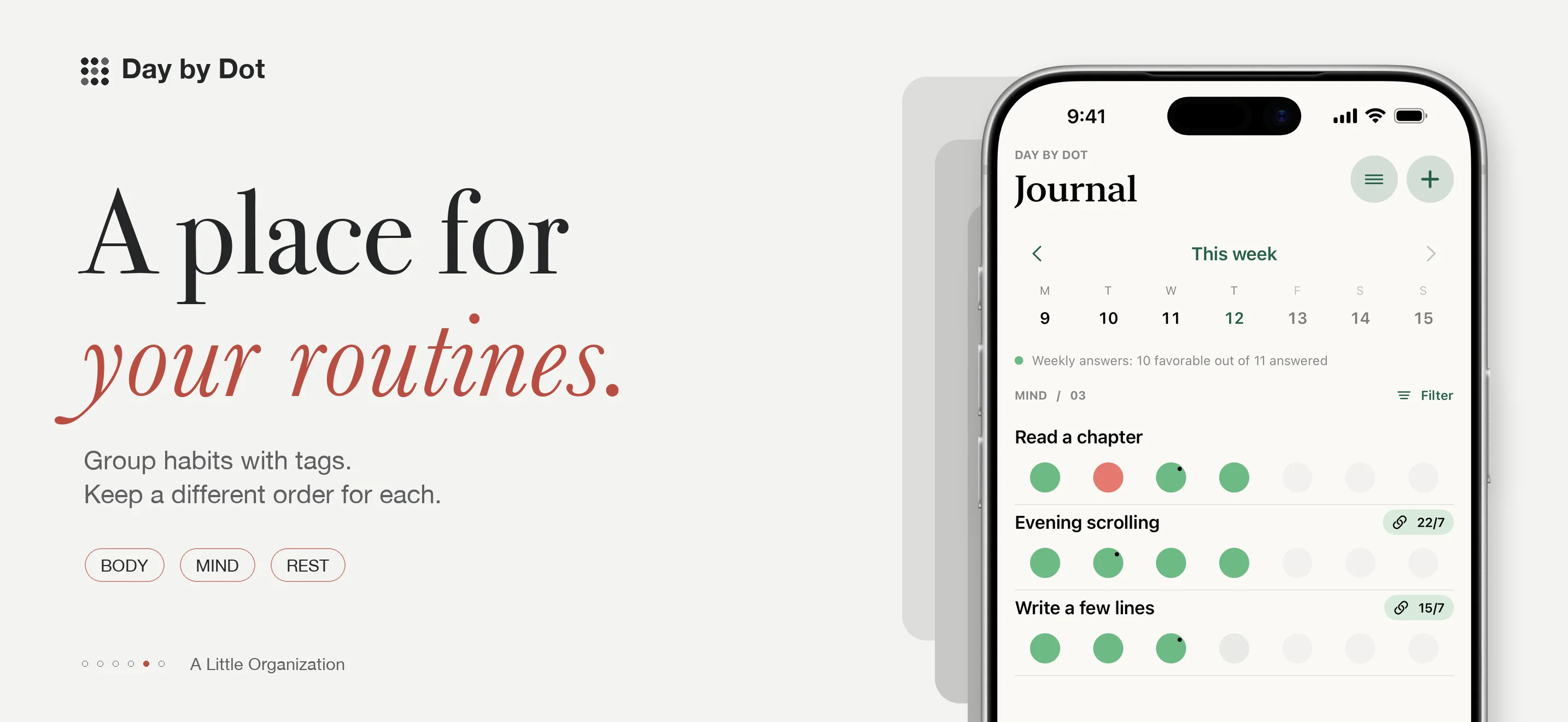
Day by Dot gives each habit a row of daily dots. Record Yes, No, or Skip, add a note when you need one, and look back at the rhythm of your week. Your journal stays on your iPhone unless you choose to export or share it.
Day by Dot is currently in development for iPhone with iOS 17 or later. Public download and pricing details will be added when confirmed.
More of this. Less of that.
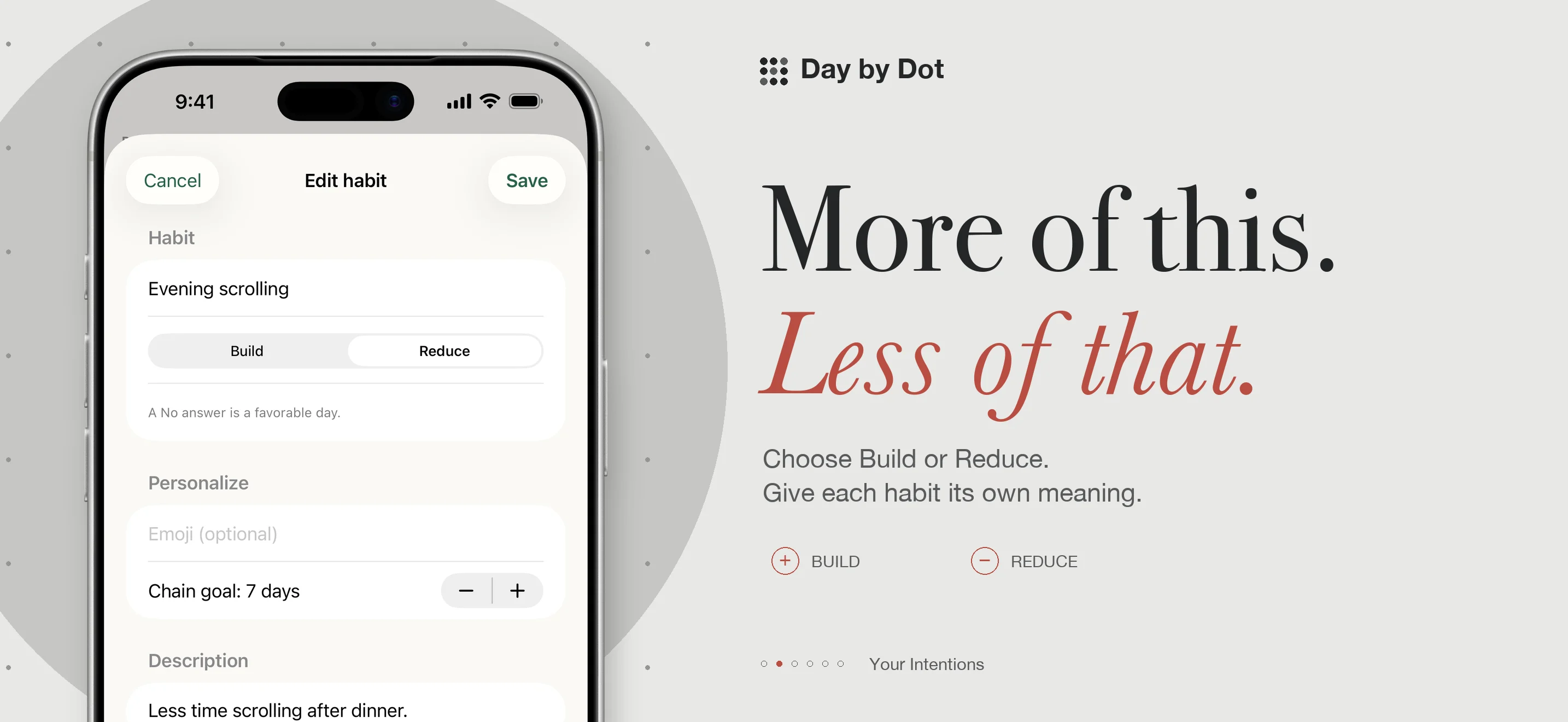
Choose Build for something you want to do more often, or Reduce for something you want to do less. For Build, Yes is a favorable answer; for Reduce, No is favorable. Skip records a day without treating it as a success or failure.
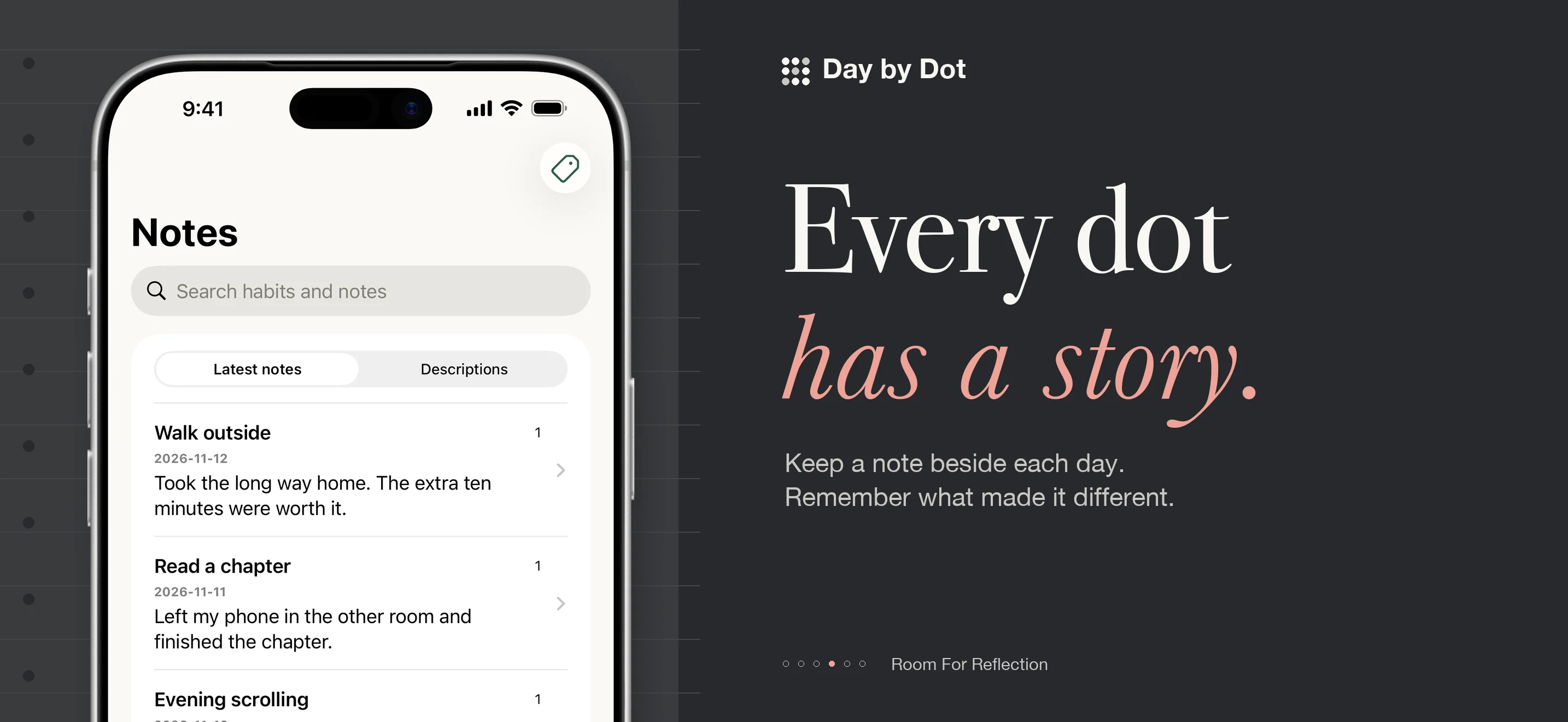
Revisit an earlier day to correct an answer or leave a note. Focus on today’s or yesterday’s unanswered habits when you want a shorter check-in.
See the pattern behind the dots
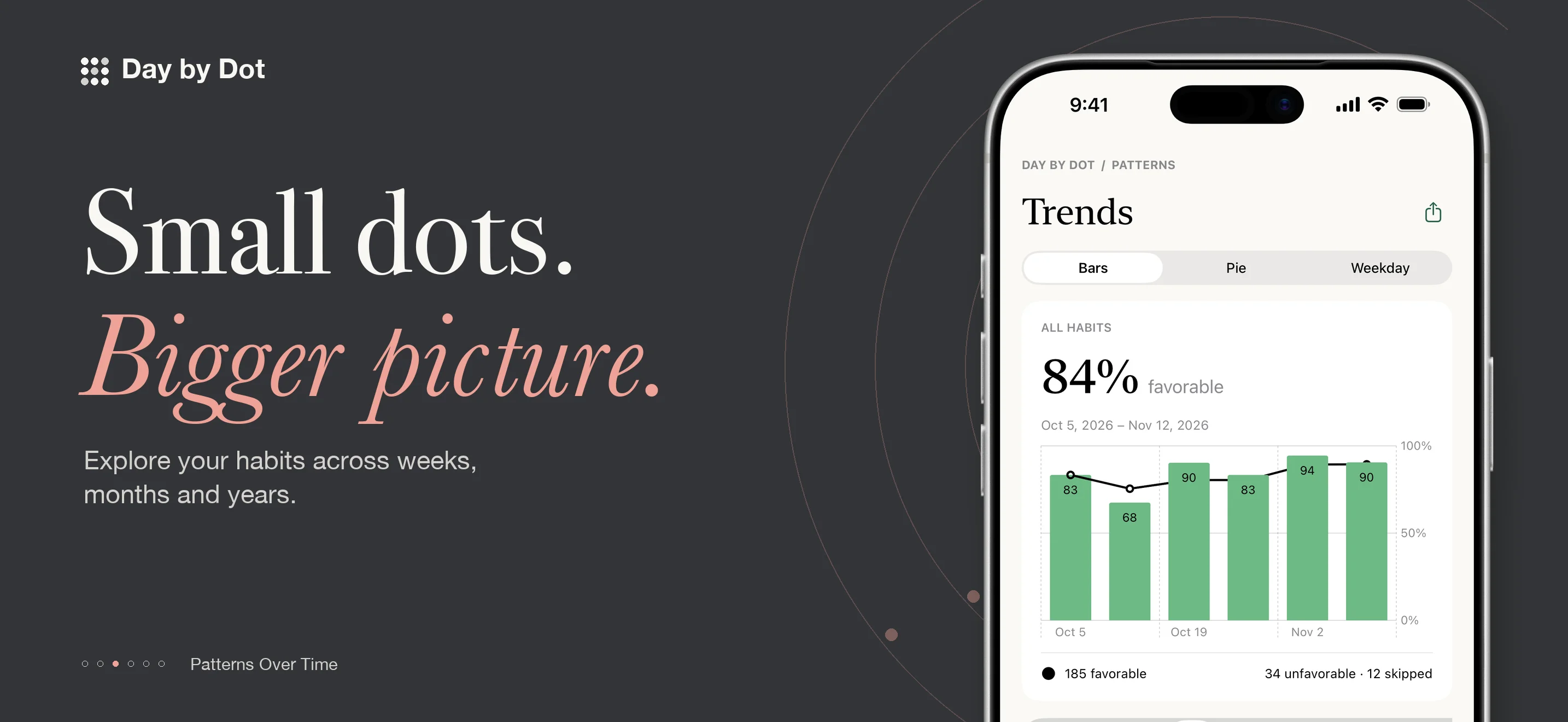
Explore bars, rings, and weekday patterns over different periods. Compare a habit with its previous period, or open the weekly and monthly Scoreboard to review the whole calendar period. Daily notes give those numbers context.
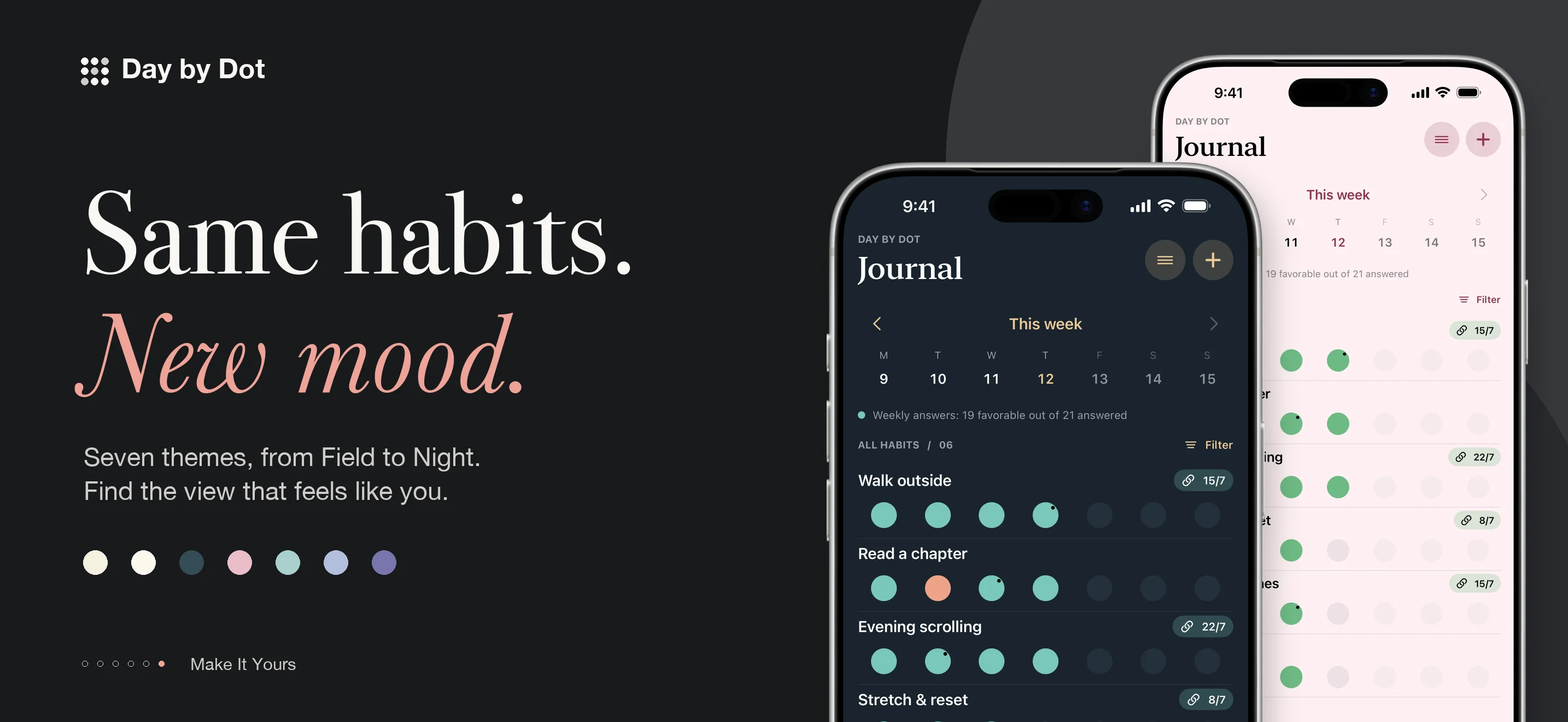
Use tags to group routines and keep a separate order for each tag. Choose from seven themes, including a dark Night appearance.
A journal that stays close
Set local reminders and see today’s recorded count in a Home Screen widget. Optional journal locking uses an app passcode with Face ID or Touch ID on supported devices. When locking is enabled, the widget hides your counts.
Export a complete JSON backup, a CSV table, or an Excel XML workbook to your chosen Files location. Local journaling works offline and needs no account.
Frequently asked questions
Why do Trends and Scoreboard show different percentages?
Trends measures favorable answers out of Yes and No answers; skipped and unanswered days are excluded. Scoreboard uses all habit-days in the selected calendar week or month, minus skipped days. Unanswered days, including remaining days in the current period, therefore affect Scoreboard.
What happens to a chain when I skip a day?
A skipped day does not add to the chain’s count, but can connect favorable days on either side. An unanswered day or an unfavorable answer interrupts a favorable chain.
Does it sync automatically through iCloud?
No. You can manually save a JSON backup to iCloud Drive or another location in Files, then select it when restoring. Check the file provider’s upload status before relying on a cloud copy.
Can I restore my journal from an export?
Restore uses a Day by Dot JSON backup and replaces the current journal after confirmation. CSV and Excel XML are readable exports, not restore formats. Save a backup first; the journal passcode and appearance preferences do not transfer with it.
Questions about Day by Dot?
Find setup information and get in touch on the support page.
← All apps