
LastNoted
Time Since Tracker
Remember when you last did something. Log everyday events, see the time since each one, and keep dates and notes together on iPhone and iPad.
In development · Public download not yet available
- iOS 17 or later
- iPadOS 17 or later
Screenshots
On iPhone

On iPad


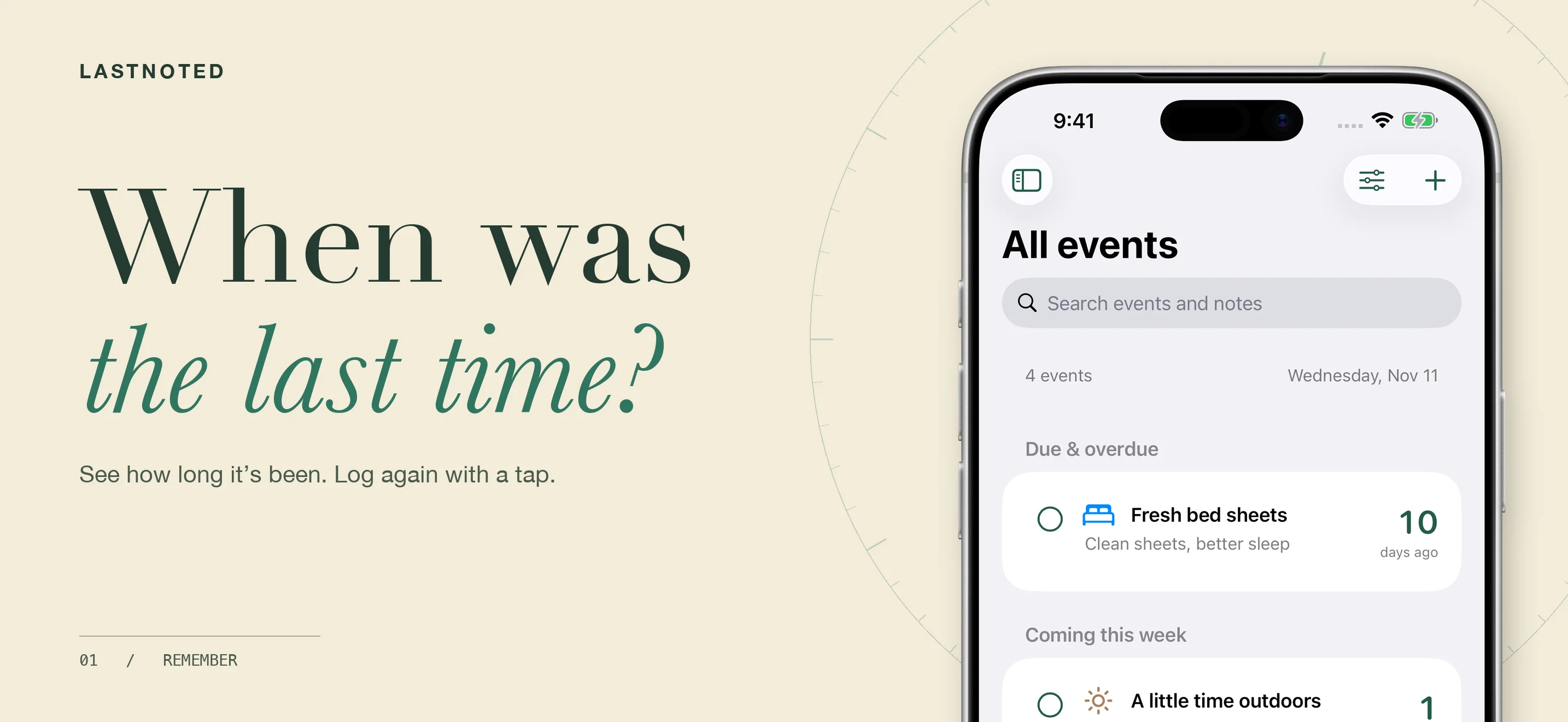
When was the last time?
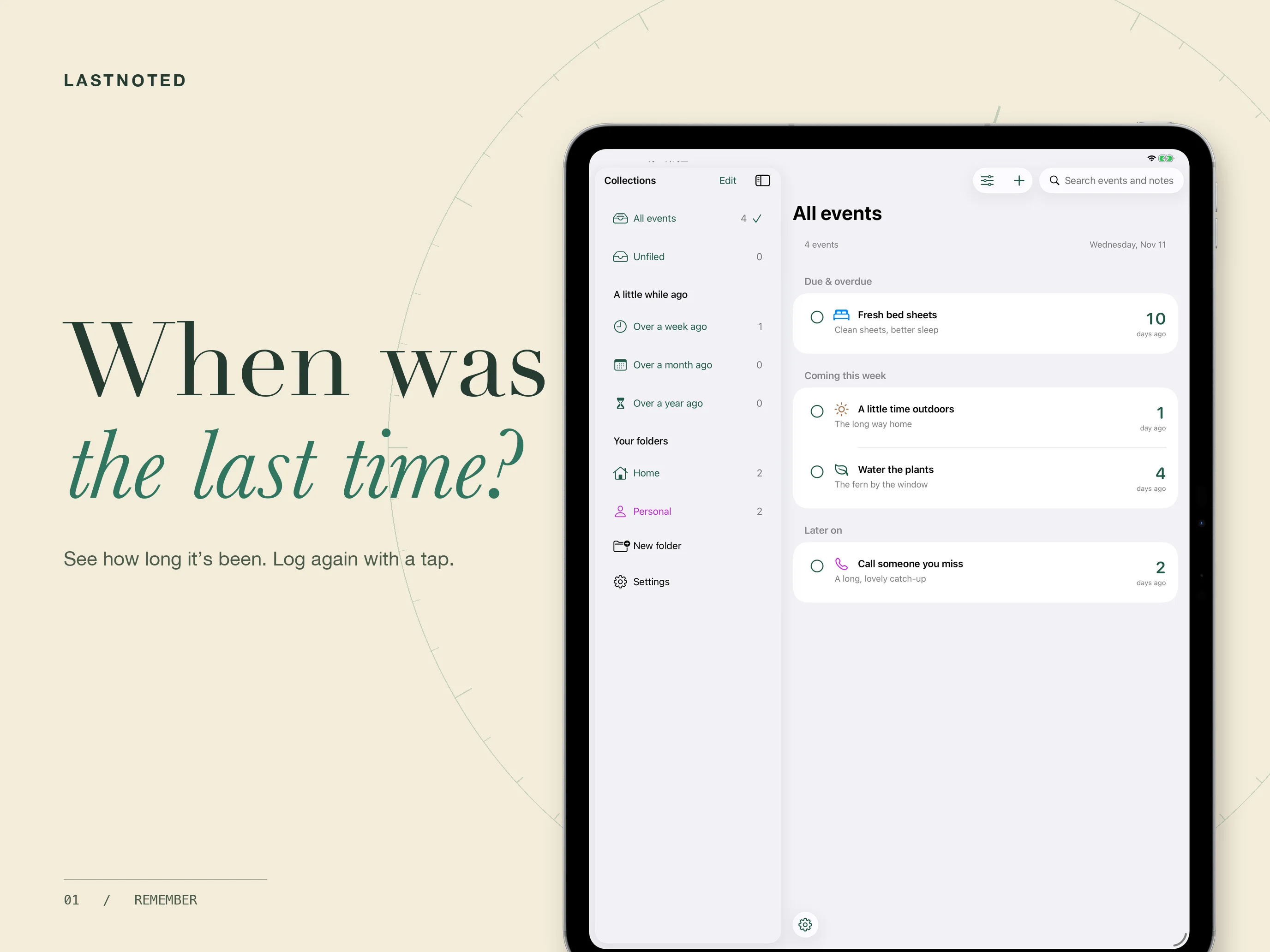
Watered the plants, changed the sheets, or called someone you miss? LastNoted keeps the date so you do not have to. Create an event, record an occurrence, and see how long it has been.
A quick record, a useful history
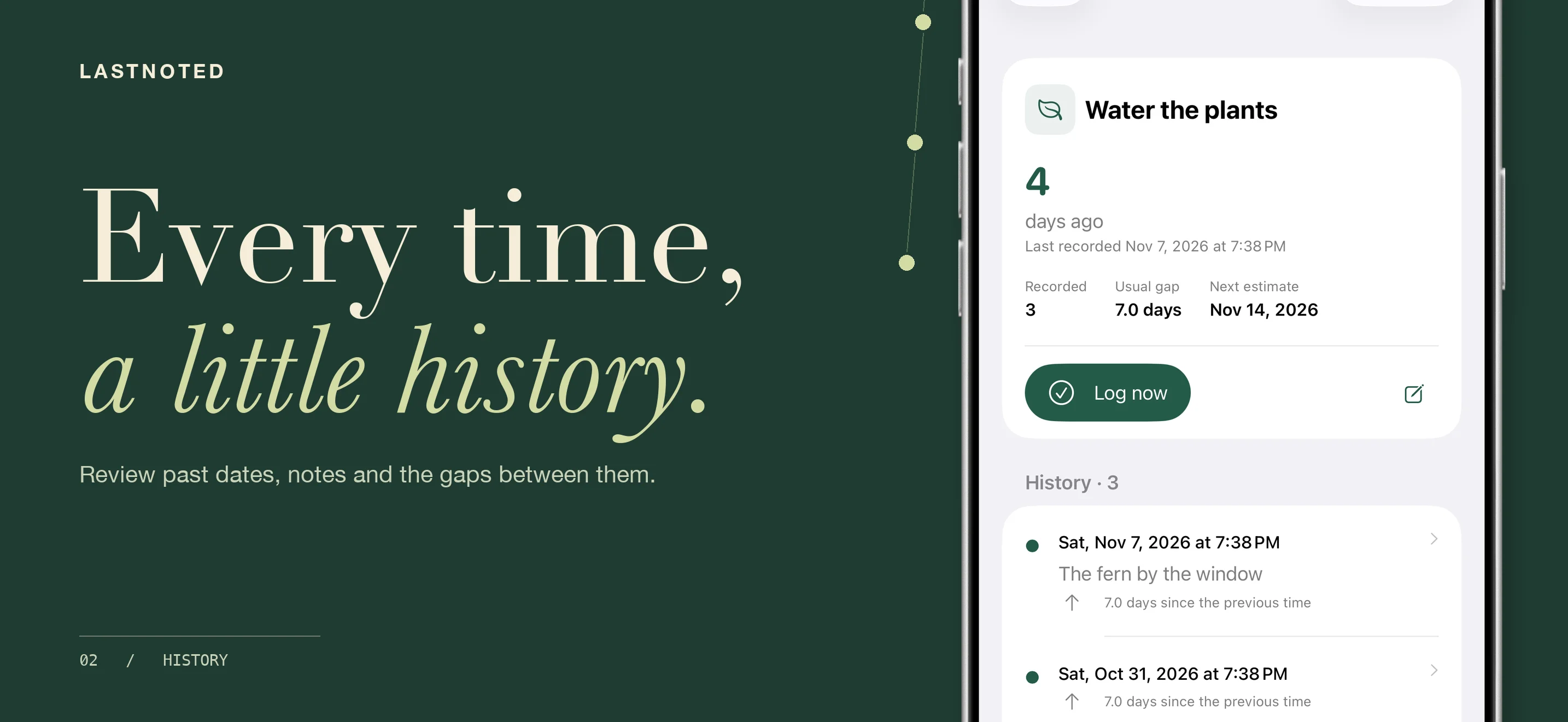
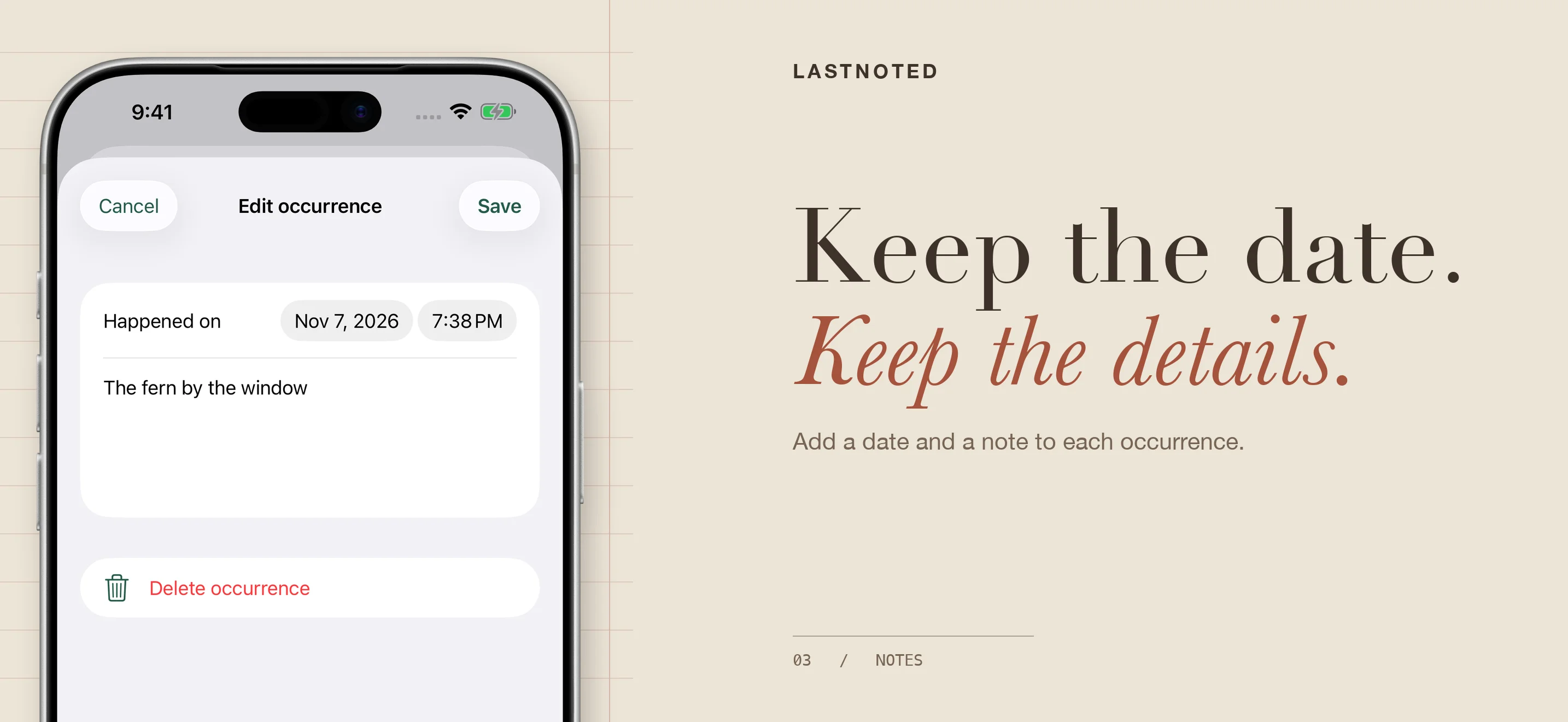
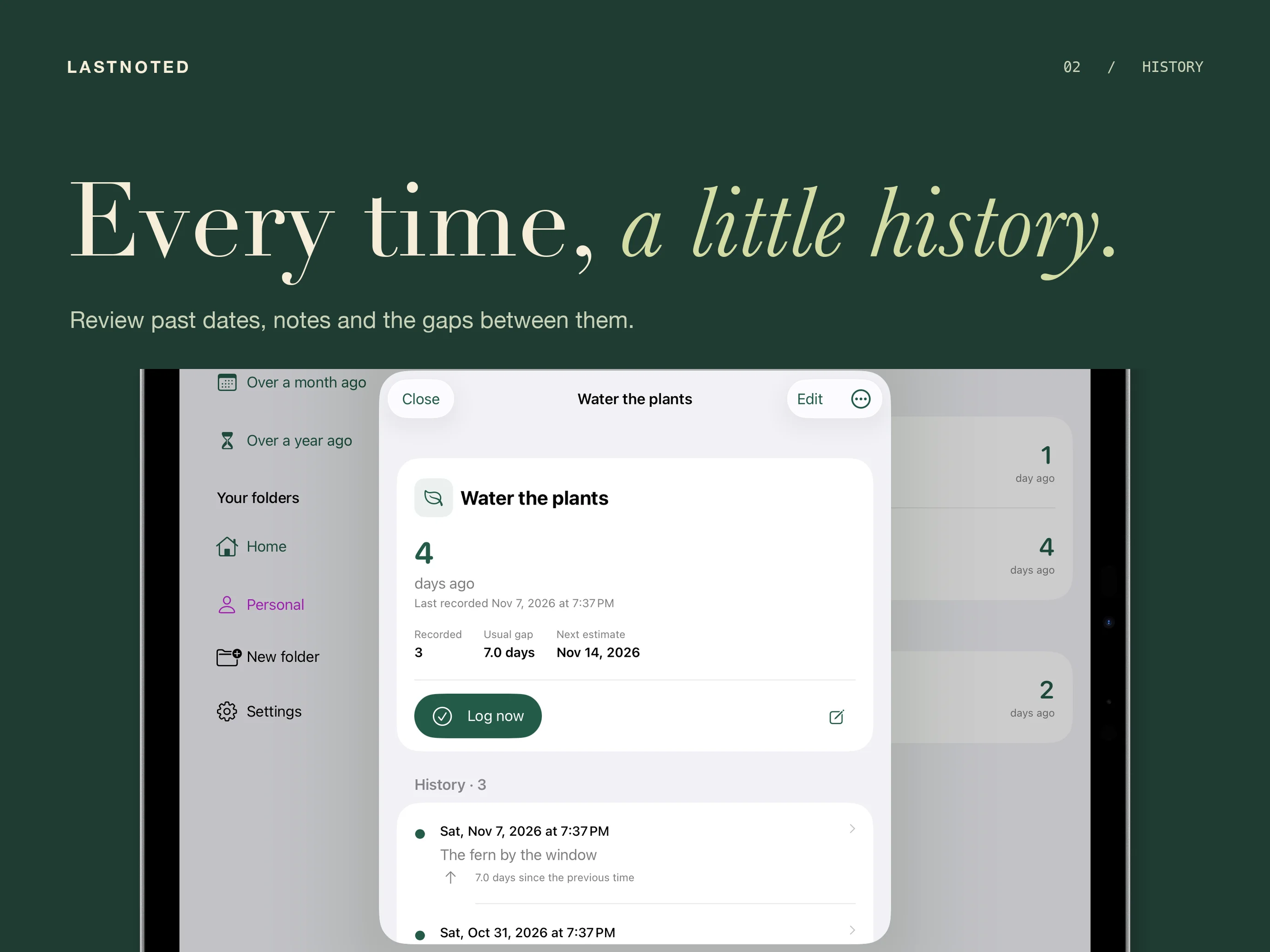
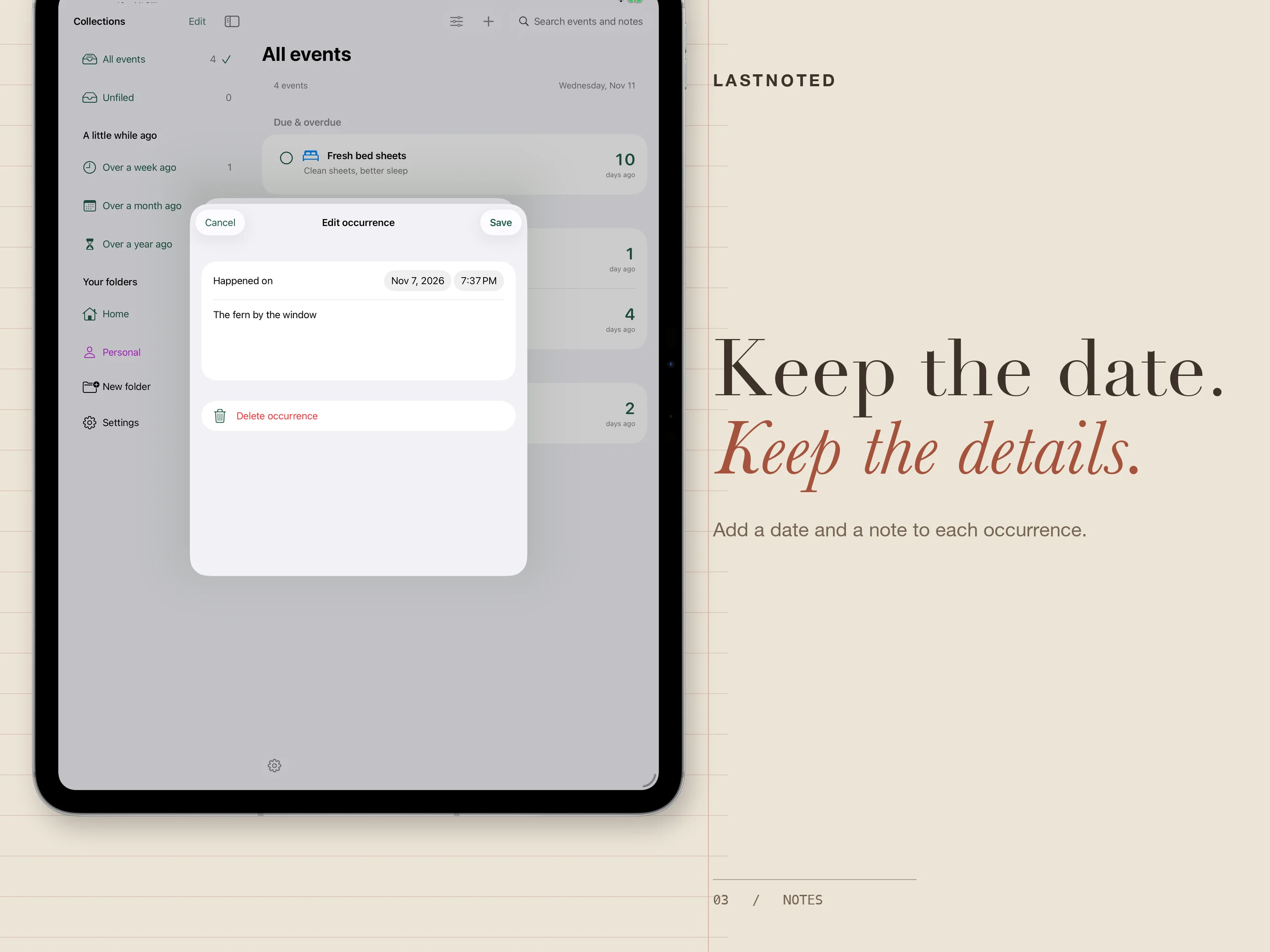
Log an event from the list with a tap, with undo available for a mistaken entry. Open an event to add a date and note, record an earlier occurrence, or edit its history. Review the intervals between entries, the usual gap, and an estimate of the next occurrence.
A place for everyday things
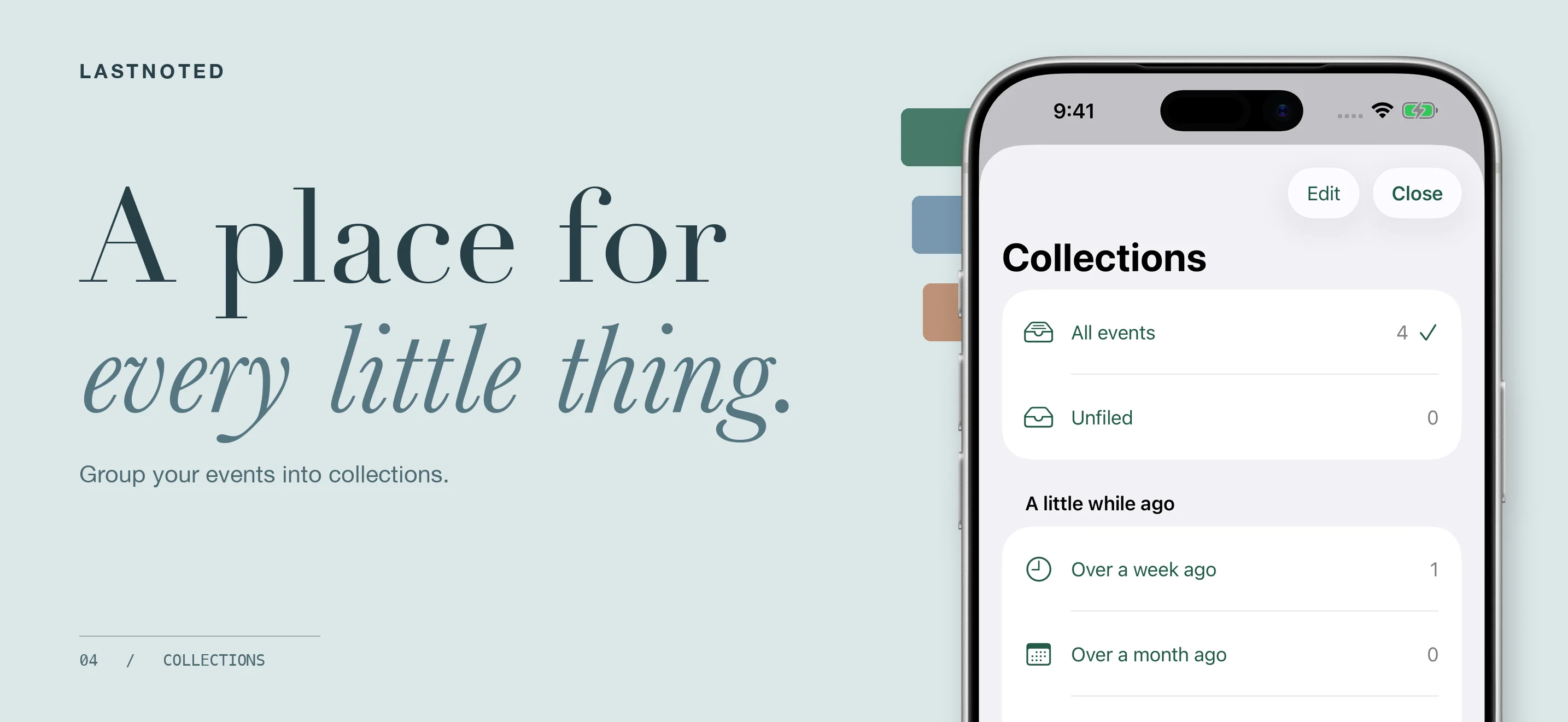
Group events into collections, search event names and past notes, and sort by name, recency, or your own order. Choose icons, colors, and cover photos to make each event easy to recognize. Archive events you want to set aside and restore them later.
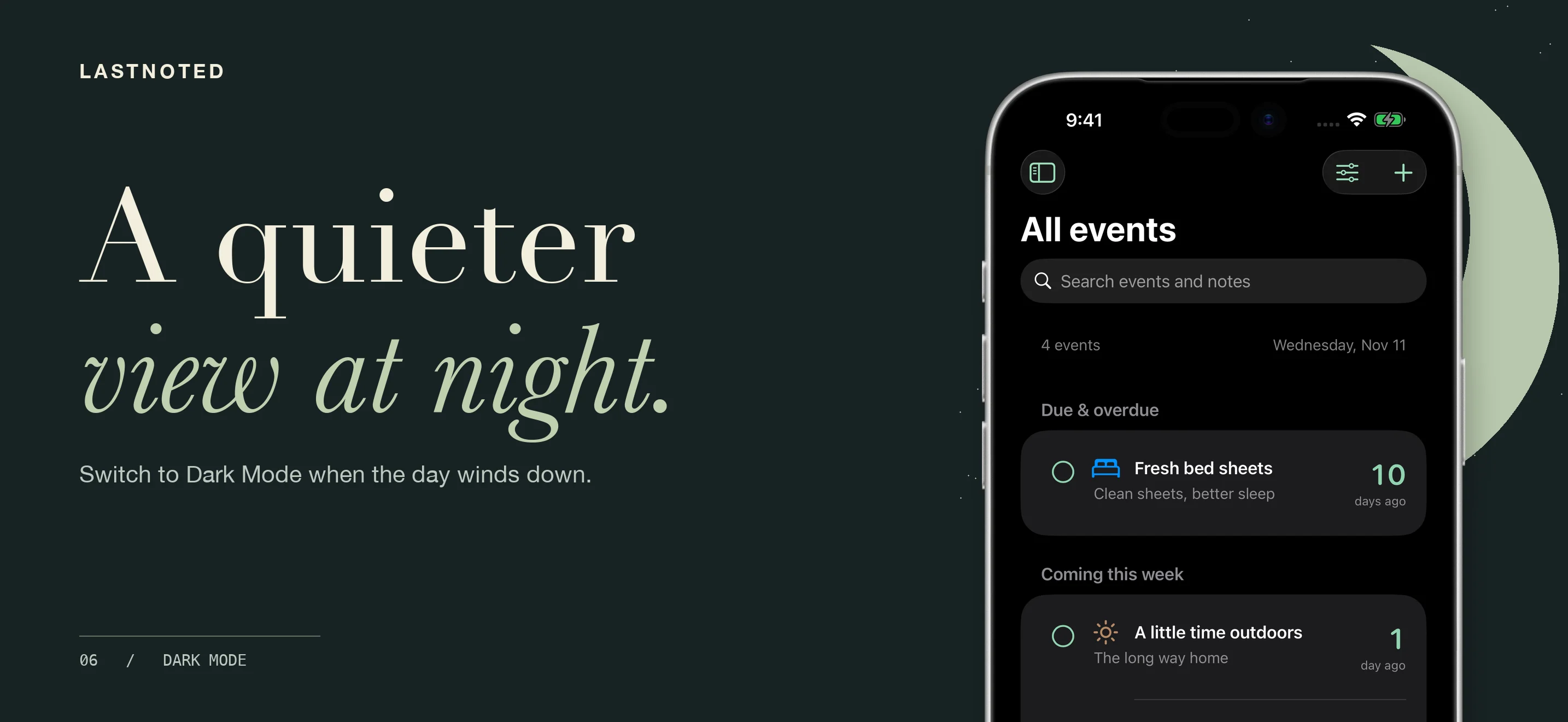
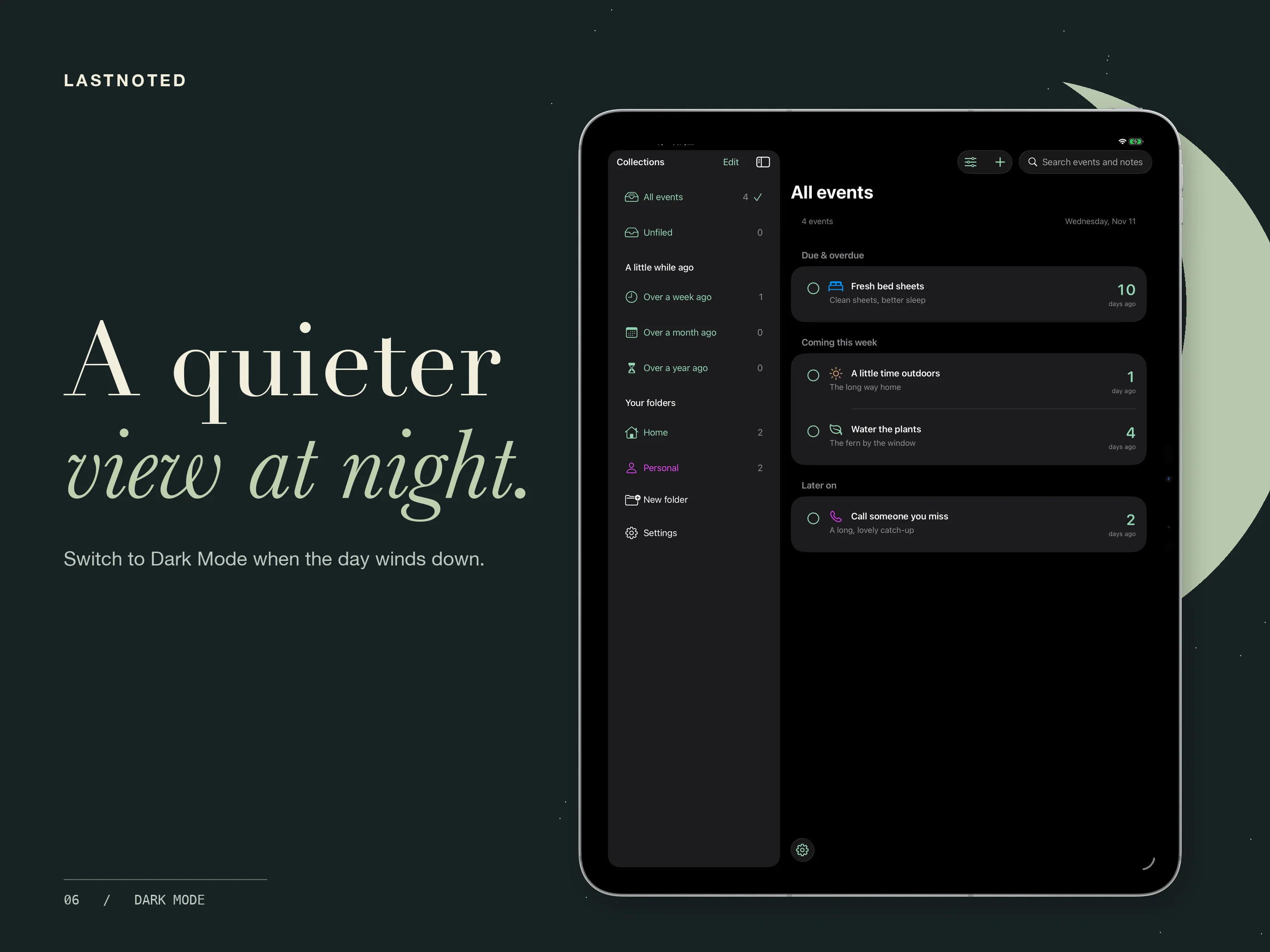
Use a light or dark appearance and adjust the app’s text size. On iPad, browse collections in the sidebar beside your events.
Keep your records close
Local tracking works offline without a LastNoted account. Export readable CSV history or a complete JSON backup that includes cover photos. Optional App Lock uses device authentication; morning summaries use system notifications.
Frequently asked questions
Does the app need to stay open to count time?
No. Elapsed time is calculated from saved dates. Day counts follow your local calendar; the clock format measures elapsed seconds.
Does deleting a collection delete its events?
No. Its events move to Unfiled. Archiving also keeps records; permanent deletion is a separate action.
Can I sync between devices?
The first release stores your library on the device and does not sync between devices. Export a complete JSON backup to keep a copy or move your records to another device.
Can I restore a backup?
Yes. Restore a complete LastNoted JSON backup from Settings. Restoring replaces the current library, so export a backup first. CSV exports are for reading your history and do not include photos.
Questions about LastNoted?
Find setup information and get in touch on the support page.
← All apps