

LinkHop
Open Links in Apps & Browsers
Choose an app or browser for your links. Create QR codes, make compact links, and remove known tracking parameters on iPhone and iPad.
In development · Public download not yet available
- iOS 15 or later
- iPadOS 15 or later
Screenshots
On iPhone
On iPad
One link. Your next hop.
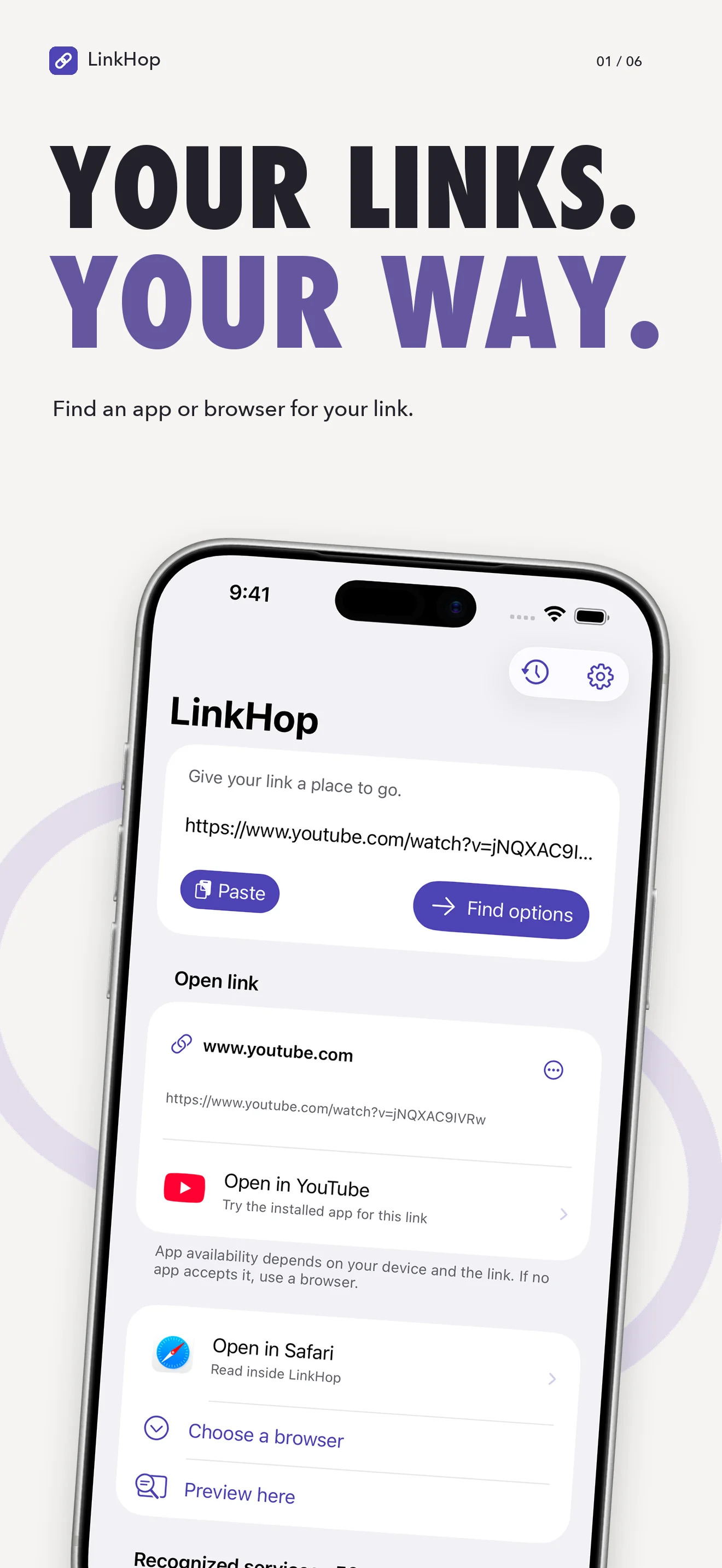
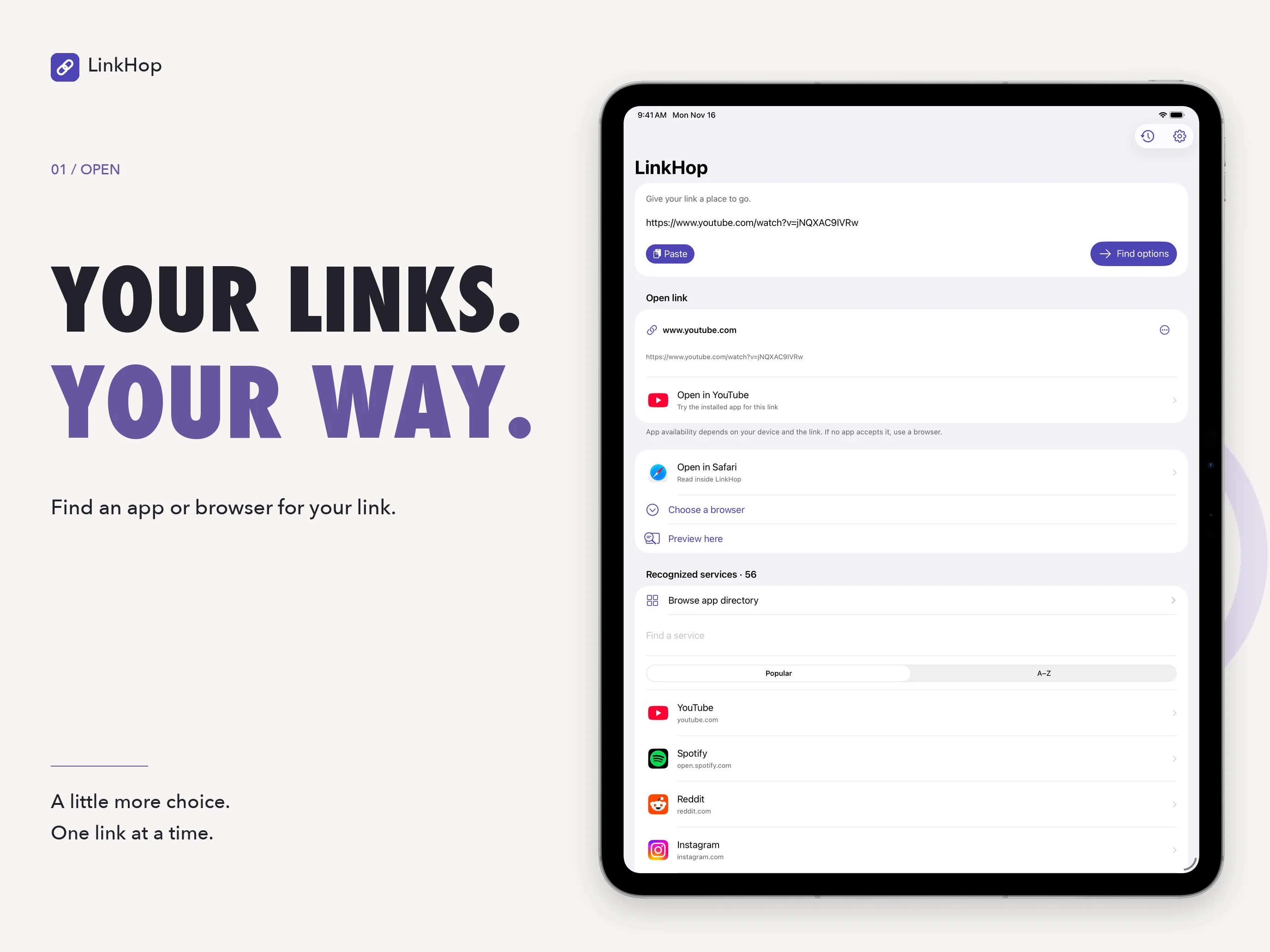
Paste a web address and choose Find options. LinkHop identifies opening options for recognized services and lets you choose an app or browser for the next step. Remember a choice for a website, or decide each time.
LinkHop is currently in development for iPhone and iPad, with minimum requirements of iOS 15 and iPadOS 15. Public download and pricing details will be added when confirmed.
Your browser. Your call.
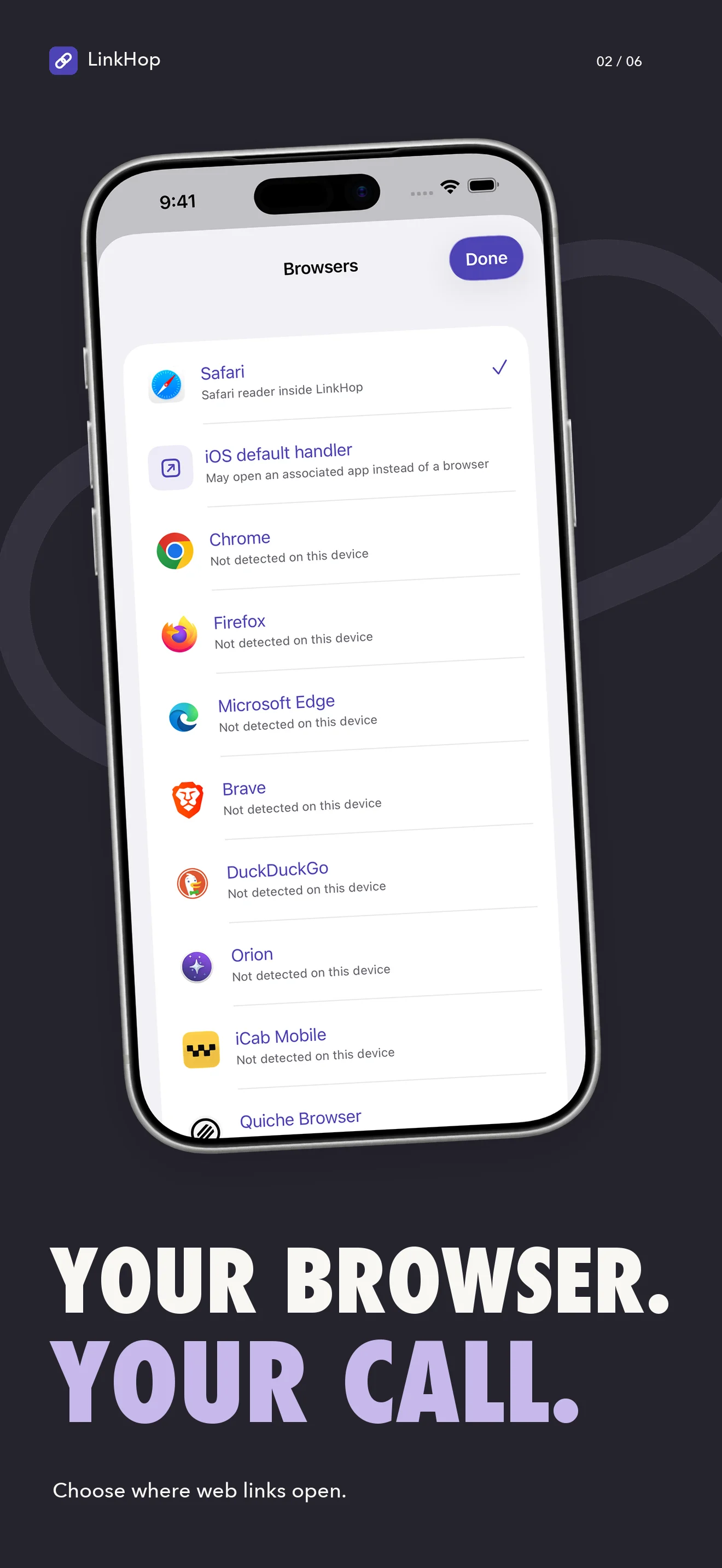
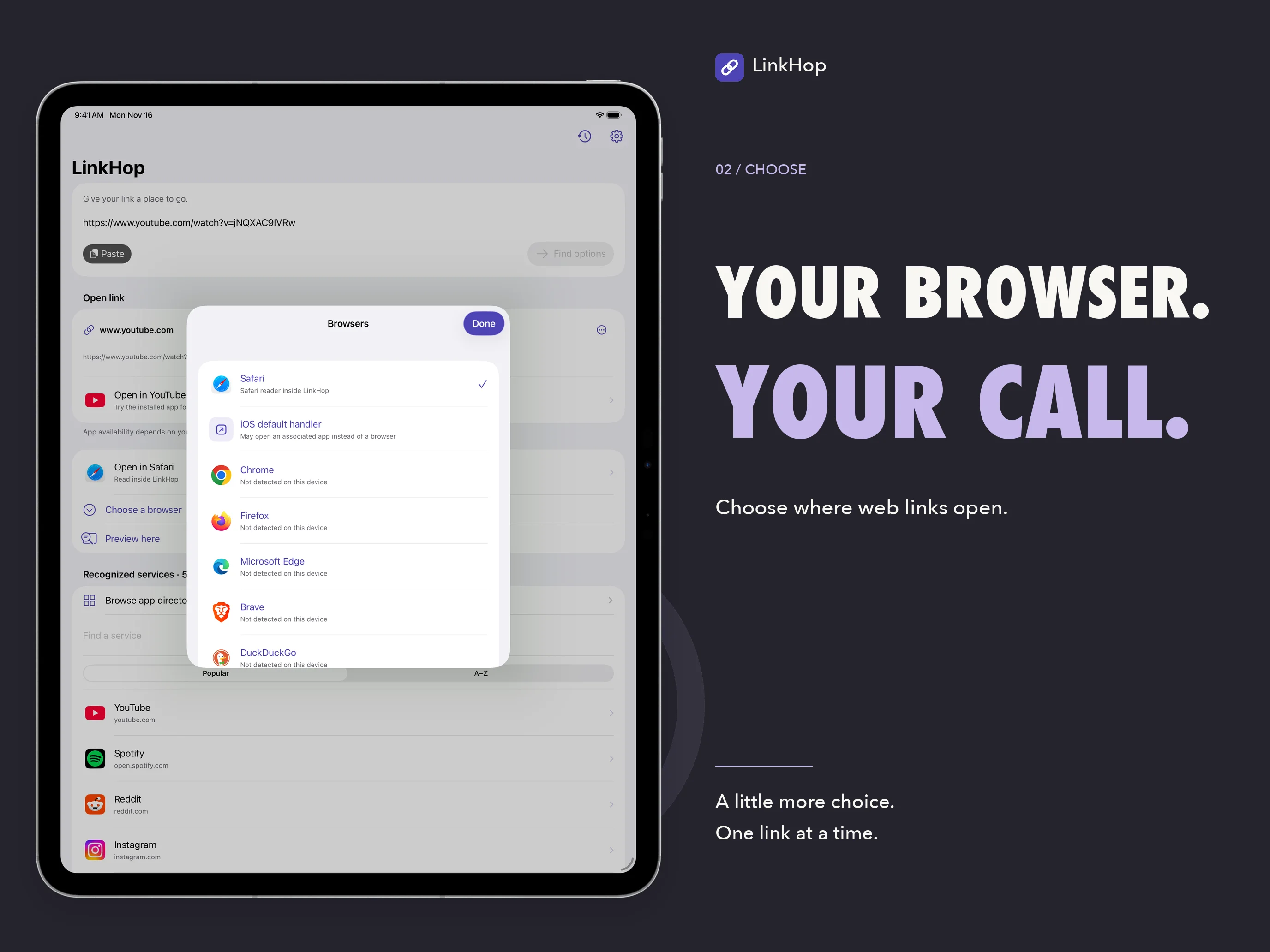
Open a page inside LinkHop with the system Safari view, choose a named external browser, or let the iOS default handler decide. External targets must be installed and able to accept the particular link. If an app cannot open it, you can choose a browser instead.
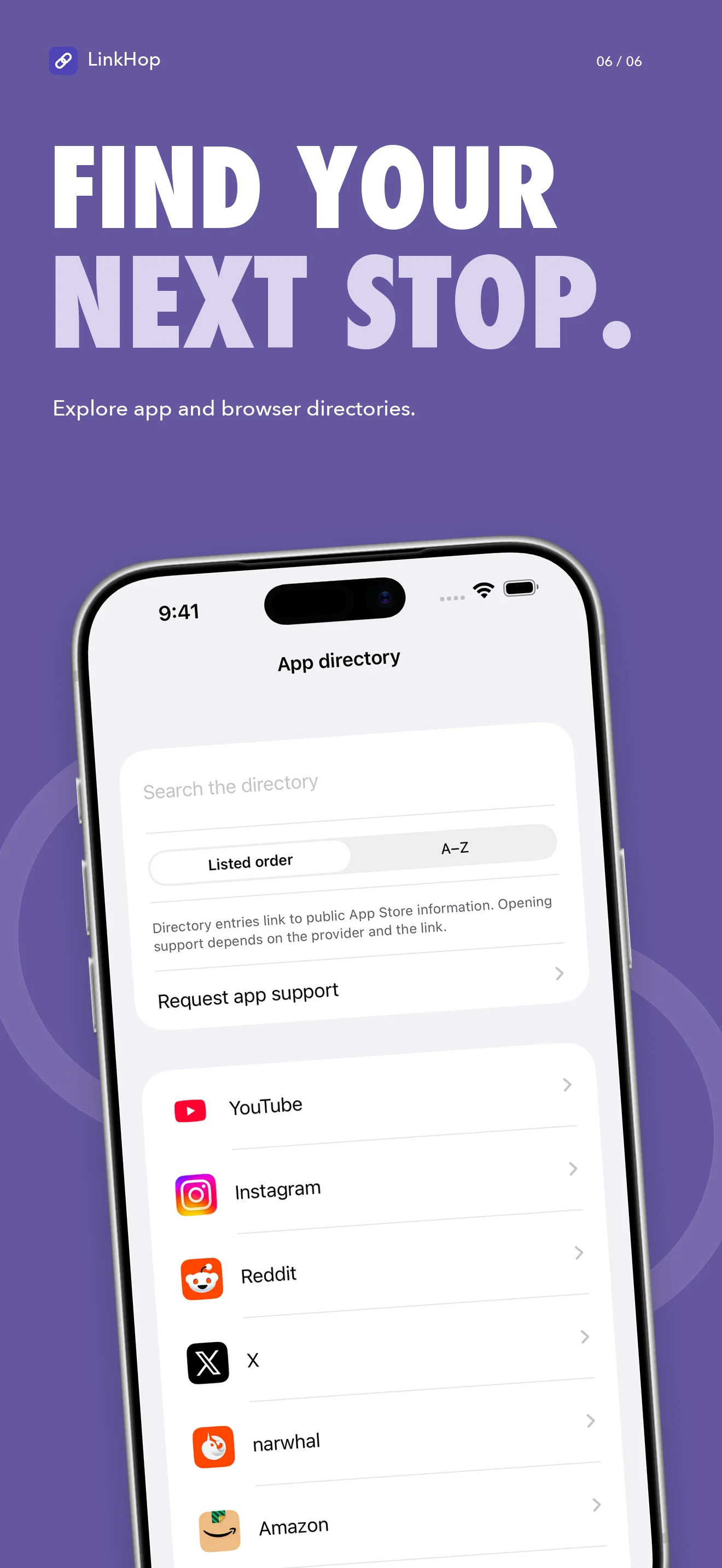
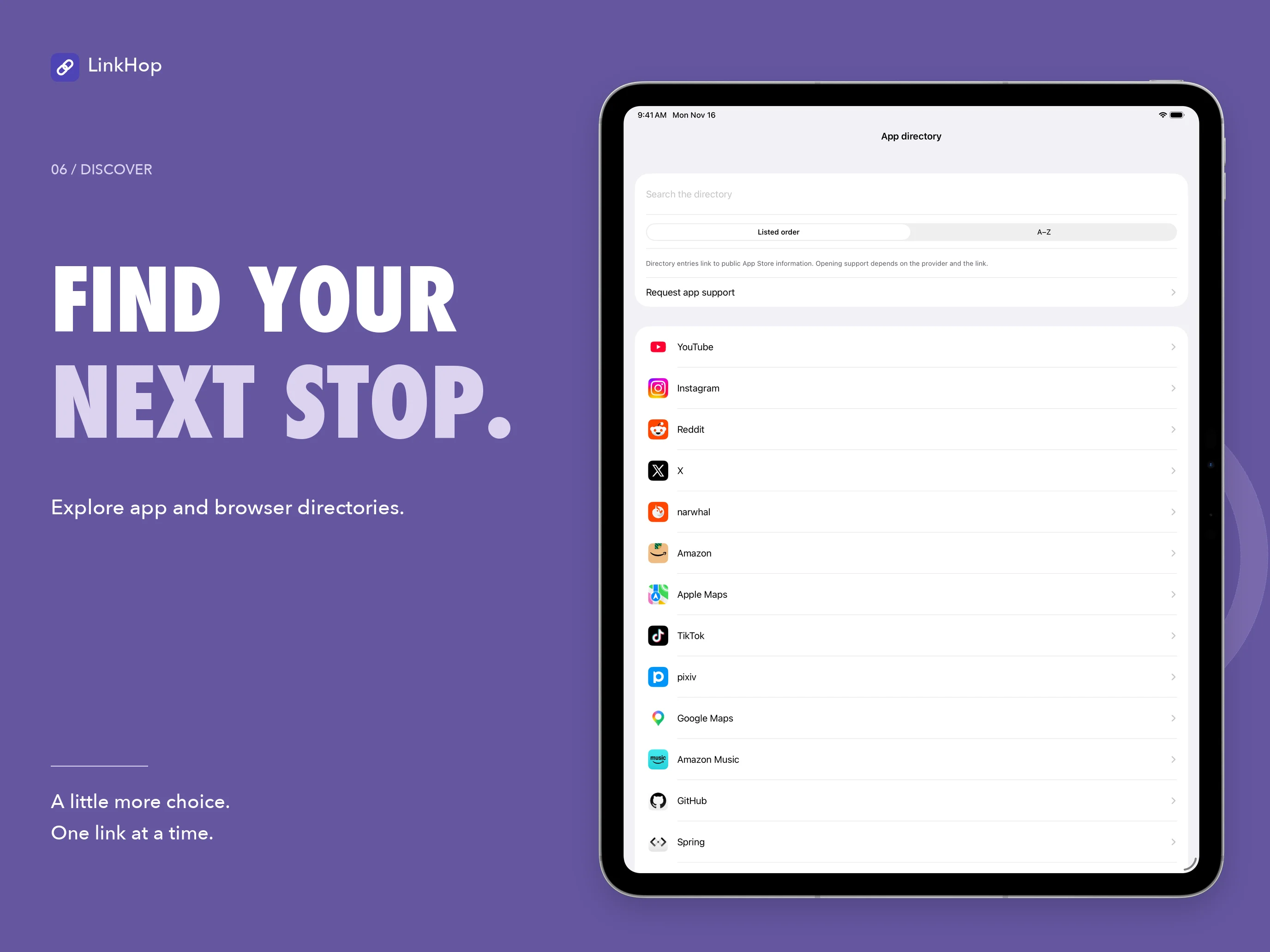
Search the app and browser directories, switch to alphabetical order, and follow public App Store listings. A directory entry helps you discover an app; it does not guarantee that every link can open in it.
Turn a link into a scan
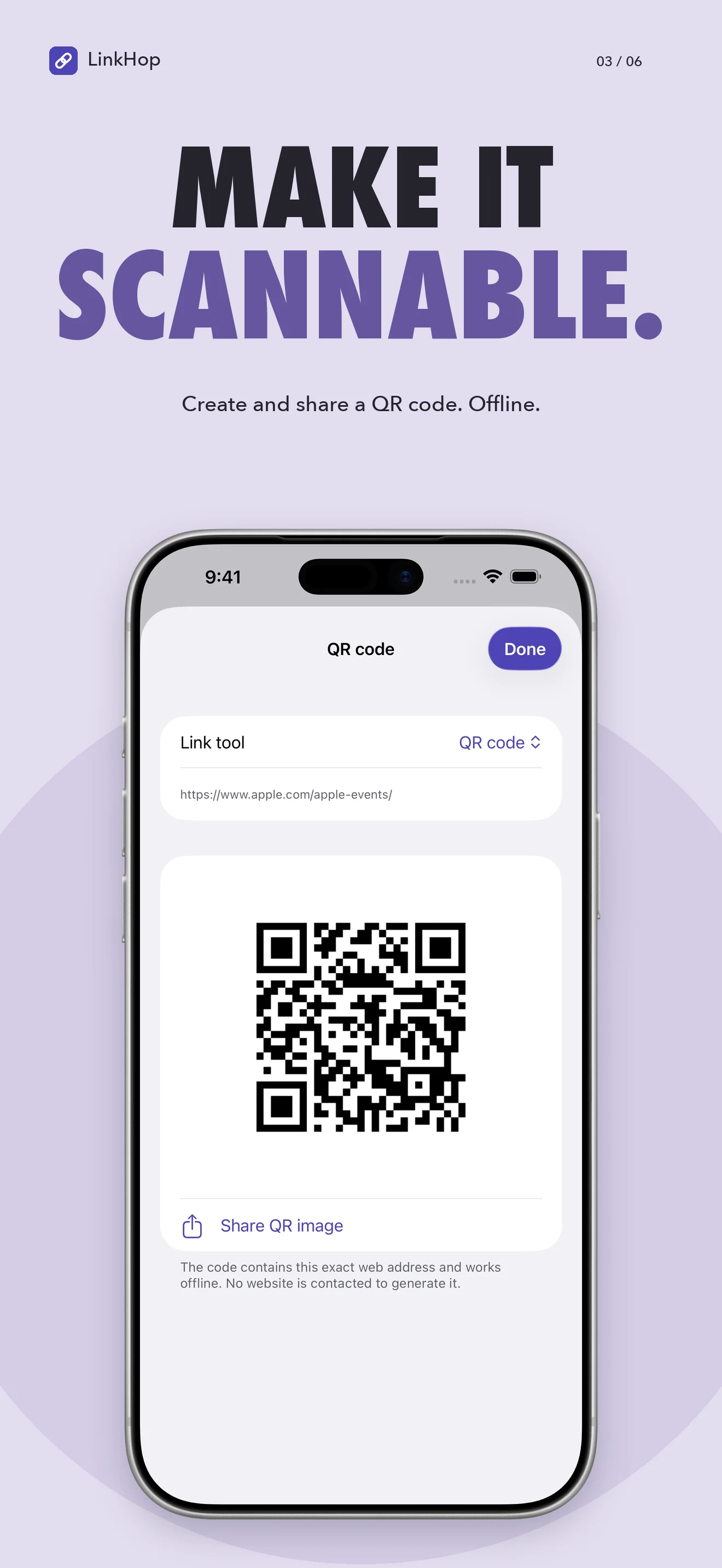
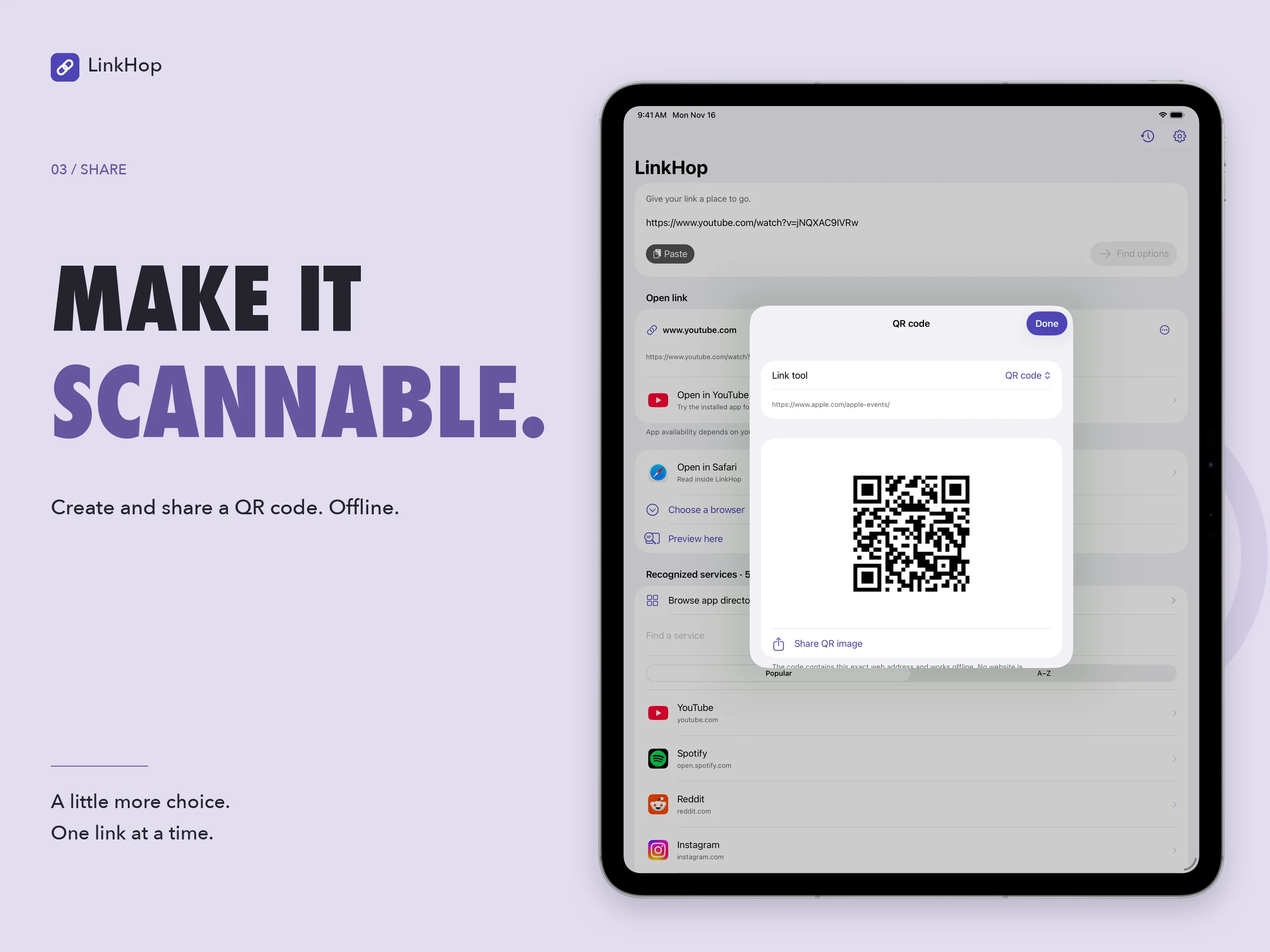
Generate a QR image from the current web address on your device, then share or save it through the system share sheet. QR generation does not contact the website.
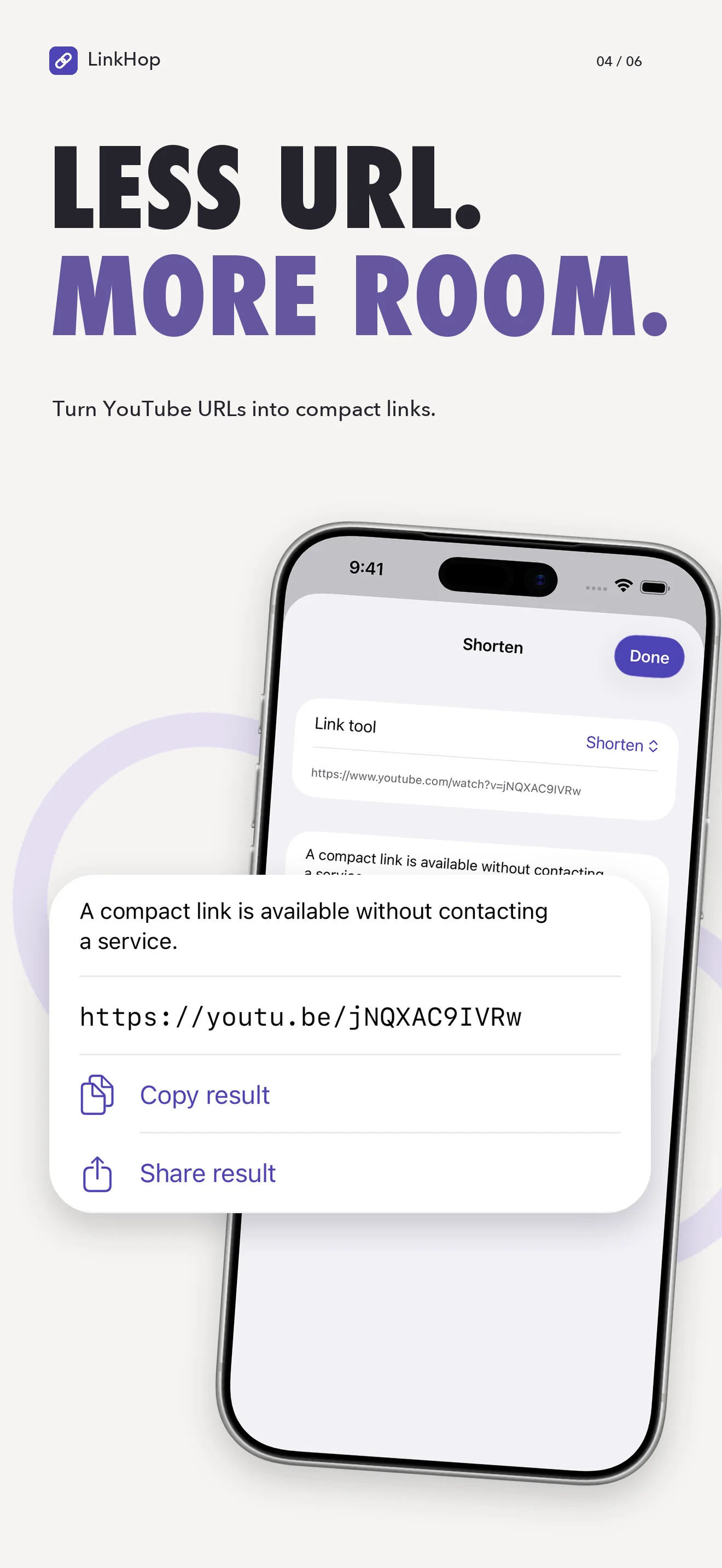
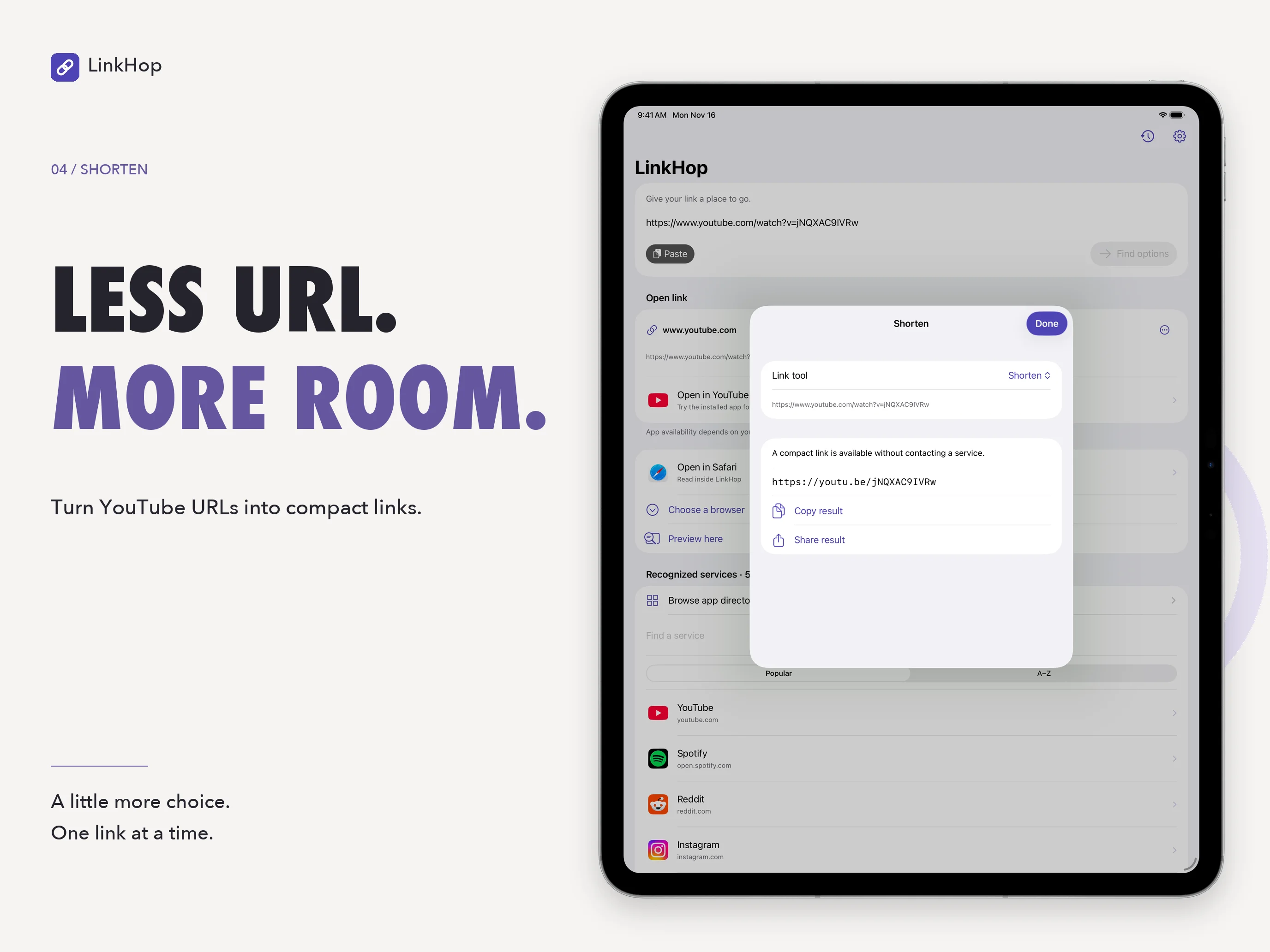
Supported YouTube URLs and amazon.com product links can be converted into compact forms locally. For other links, you can explicitly request a short URL from is.gd. That sends the complete address to the provider, so use it only for links you are comfortable sharing.
Clean up and look ahead
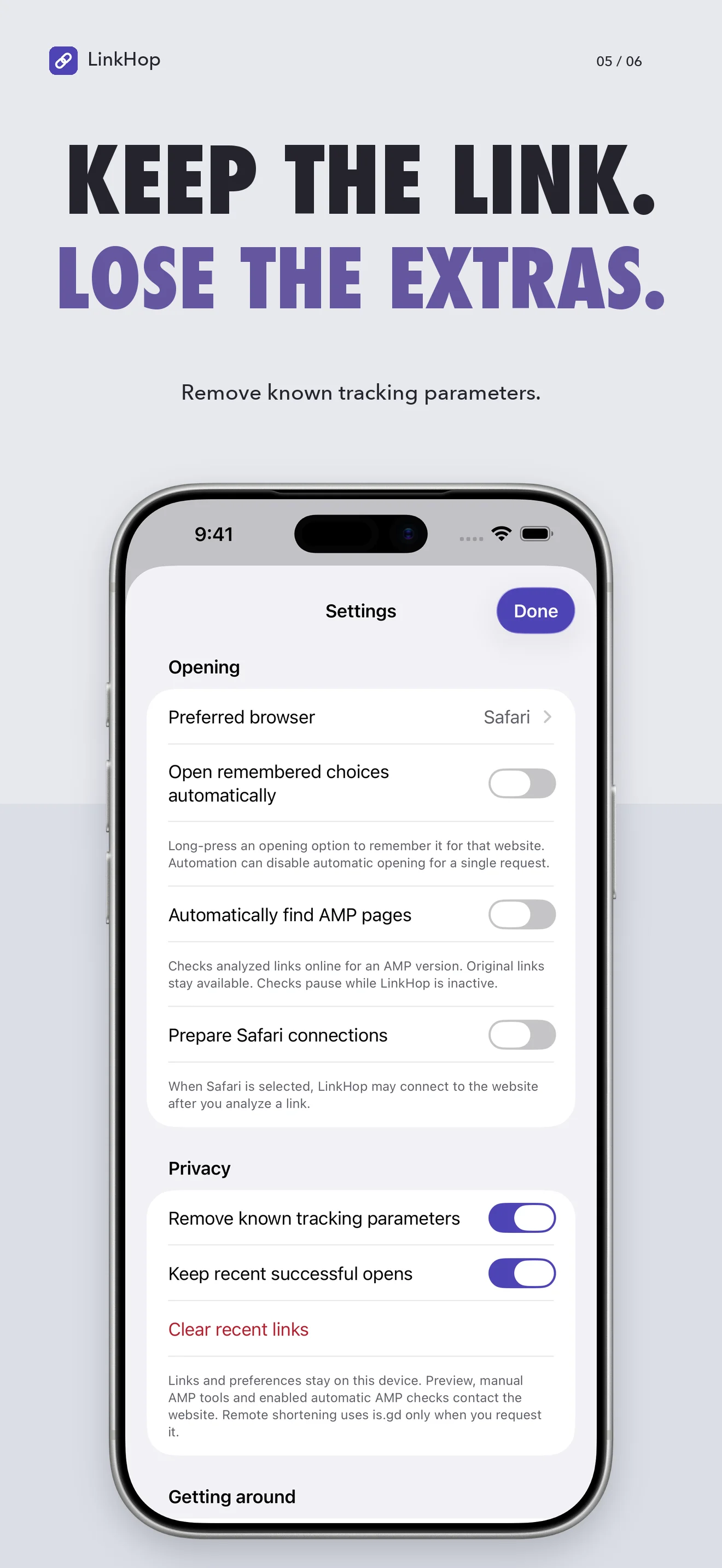
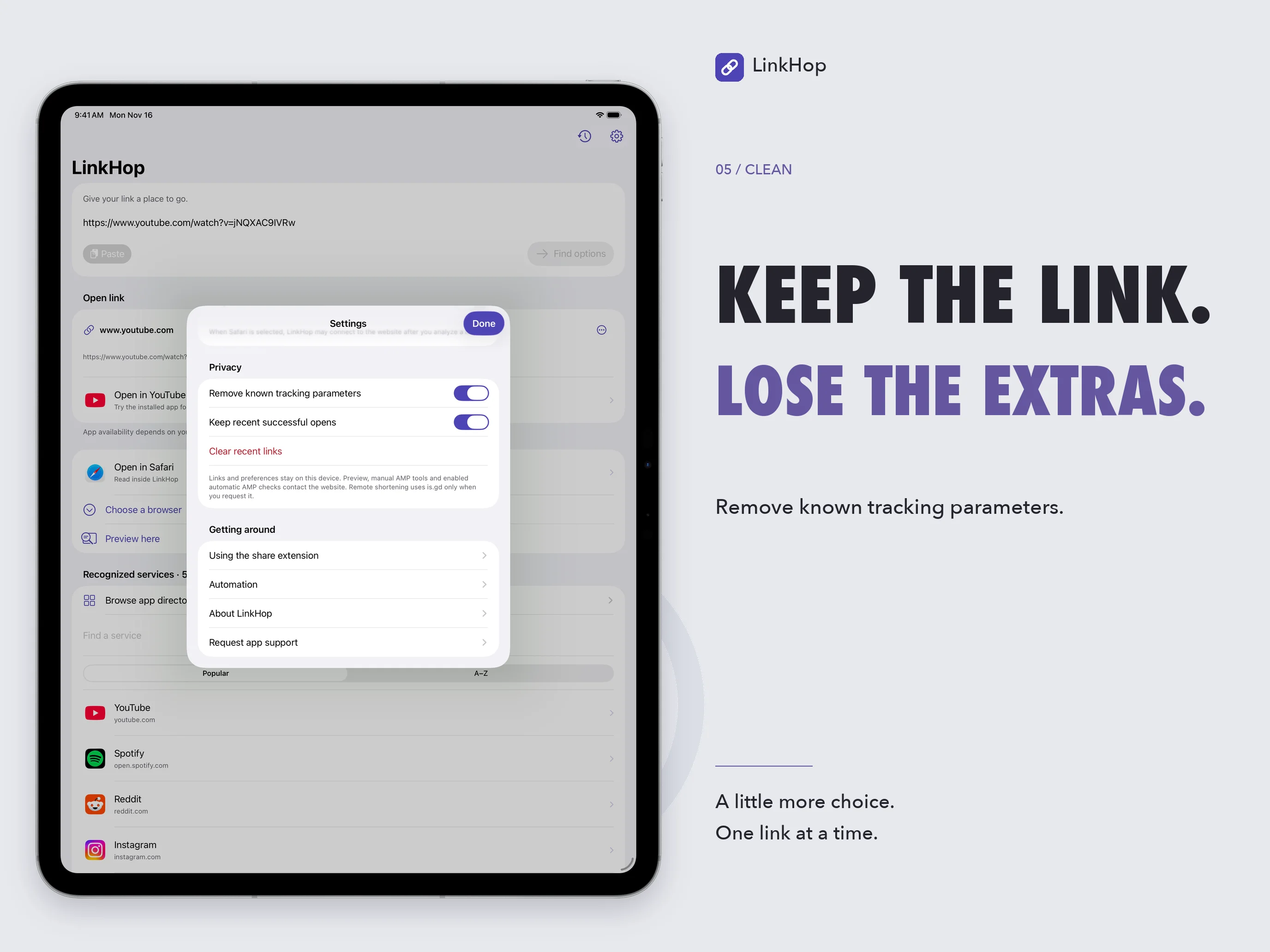
Remove recognized tracking parameters when analyzing a link, while keeping the remaining address. This is a focused cleanup tool, not an anonymity or website-safety guarantee.
Preview a webpage’s title and available rich metadata, or check whether it advertises an AMP version. Preview and AMP checks contact the website. Automatic AMP checks and Safari connection preparation are optional settings; the original page remains available when no AMP alternative is found.
Bring links from other apps
Choose LinkHop in the system share menu to see opening options or save a link for later. Some host apps permit a direct opening request; when they do not, Save for LinkHop keeps the link in a shared inbox for the main app to load.
Optional recent history helps you revisit accepted openings. Website preferences and the current input stay locally on the device. Home Screen quick actions use the saved current link, and URL automation can open options without automatically following a remembered choice.
Frequently asked questions
Will every listed app open every link?
No. A directory listing, a recognized domain, and a successful content opening are different things. The installed app, URL format, system associations, and share host all affect the result. A successful system handoff also does not prove that the destination loaded the intended content.
Does choosing Safari change my system default browser?
No. Safari opens inside LinkHop. Choosing a preferred browser changes LinkHop’s own preference. The separate iOS default handler follows system associations and may open an associated app instead of a browser.
Which tools work offline?
Link matching, known tracking-parameter cleanup, QR generation, bundled directory browsing, and supported compact-link conversions run locally. Website previews, AMP checks, is.gd shortening, App Store requests, and loading destination content can require a connection.
Why does a shared link need to be saved first?
The app you are sharing from controls whether an extension can open another destination. If direct opening is rejected, save the link and return to LinkHop’s Shared with LinkHop section. A rejected opening is not recorded as a successful handoff.
Does clearing recent links erase everything?
No. It clears LinkHop’s recent-opening history. The current input, remembered website choices, pending shared links, browser history, and any remote short links are separate. See the privacy policy for their handling.
Questions about LinkHop?
Find setup information and get in touch on the support page.
← All apps