
2026-11-17 · QuarkMoss
Turn a meeting recording into a useful follow-up
A practical workflow for reviewing a meeting transcript, separating decisions from suggestions, and writing action items people can actually use.
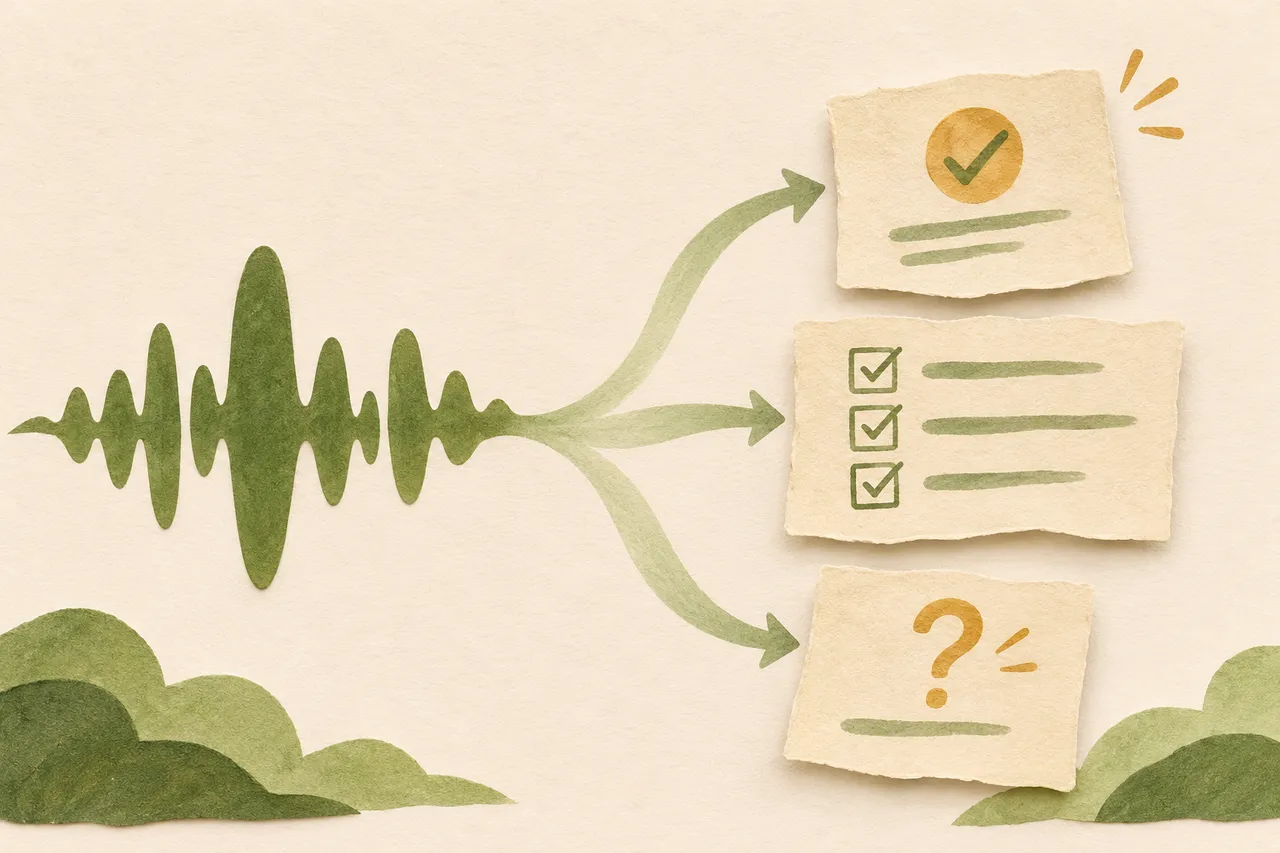
A meeting recording preserves what people said. A useful follow-up tells them what happens next. Getting from one to the other requires a few decisions: which statements were commitments, which questions remain open, and which details need checking before anyone acts.
Here is a workflow you can use with HushMemo or alongside your existing note-taking process. The sample meeting below is fictional; it illustrates how to edit notes, not a feature that automatically assigns work to your team.
1. Decide what the follow-up needs to answer
Before organizing the recording, write three questions at the top of a working note:
- What did we decide?
- Who agreed to do what?
- What still needs an answer?
These questions give you a small, concrete target. You do not need to reproduce every exchange. You need enough context for someone who attended the meeting to recognize the decision and carry out the next step.
Give the note a descriptive title, such as “Website review — November 17,” rather than “Meeting recording.” Keep the project name and meeting date visible so that a future reader can place the discussion.
2. Prepare the recording and review the transcript
If you plan to record a conversation, agree with participants beforehand on recording and sharing. Choose a quiet location where practical, and make a short test recording before an important session.
HushMemo uses separate transcription and summary models. Download the models you need before relying on an offline workflow; model downloads and some other operations still use the network. The official model guide explains that setup and its limits.
Once you have a transcript, review the passages that contain names, dates, numbers, decisions, and commitments. Listen back when a phrase is unclear. An ambiguous sentence should stay marked as uncertain until you can verify it.
For example, “we could send it Friday” is different from “I will send it Friday.” Correcting the spelling of Friday does not resolve whether anyone actually promised to deliver something.
3. Separate decisions, actions, and open questions
HushMemo can organize a transcript into summaries and task-oriented outputs, and you can reuse the same transcript for different outputs. Treat those results as drafts to review. See the official FAQ for the supported workflow and review guidance.
As you edit, put each important point into one of three sections:
Decisions record choices the group actually made. Include the scope of the choice: “Use the shorter introduction on the product page” is clearer than “Simplify the website.”
Actions record agreed work. Each item should describe an observable result and, when confirmed, an owner and due date.
Open questions preserve unresolved issues. A proposed launch date belongs here if nobody agreed to it. Do not turn a suggestion into a decision just to make the summary look complete.
This separation also gives you a straightforward way to review an AI draft: check each statement against the discussion, then move it to the right section or remove it.
4. Rewrite vague tasks as deliverables
Consider this fictional rough note:
Alex to look at screenshots. Maybe Friday. Check tablet layout too.
The note leaves several questions unanswered. Does “look at” mean review, replace, or export? Did Alex accept the task? Is Friday an agreed deadline?
If the recording confirms that Alex agreed to review the images but leaves the date unresolved, a more useful action item is:
Alex: review the six product screenshots and list any cropped or unreadable text. Due date: to confirm.
Keep the tablet question separate if its owner or scope was not agreed. You can ask for clarification in the follow-up instead of quietly assigning more work.
Use the same check for every task: could the owner tell when it is finished? “Improve onboarding” is hard to close. “Draft replacement text for the first onboarding screen” has a visible result.
5. Share the smallest complete follow-up
Use a short structure that puts decisions and work ahead of background detail:
Website review — November 17

Decision
- Keep the current screenshot order until the review is complete.

Action
- Alex: review six screenshots for cropped or unreadable text.
  Due date: to confirm.

Open question
- Does the tablet layout need a separate review? Owner to confirm.
Before sharing, compare the note with the reviewed transcript one last time. Remove unrelated conversation and any information the recipients do not need. Ask people to confirm unresolved ownership or dates explicitly.
After confirmation, copy agreed tasks into the place where your team actually tracks work. Keep a reference to the meeting note so that the reasoning remains available without crowding every task description.
The useful endpoint is a small set of statements people can trust: a decision with its scope, an action with a clear result, and an honest record of what remains unknown. For help preparing recordings or models, start with HushMemo support.