

Plainleaf Pro
Markdown Writing & Notes
A Markdown editor for iPhone and iPad with document outlines, formatted previews, and flexible exports. Shape a quick note or a longer draft into a finished document.
In development · Public download not yet available
- iOS 17.4 or later
- iPadOS 17.4 or later
Screenshots
On iPhone
On iPad
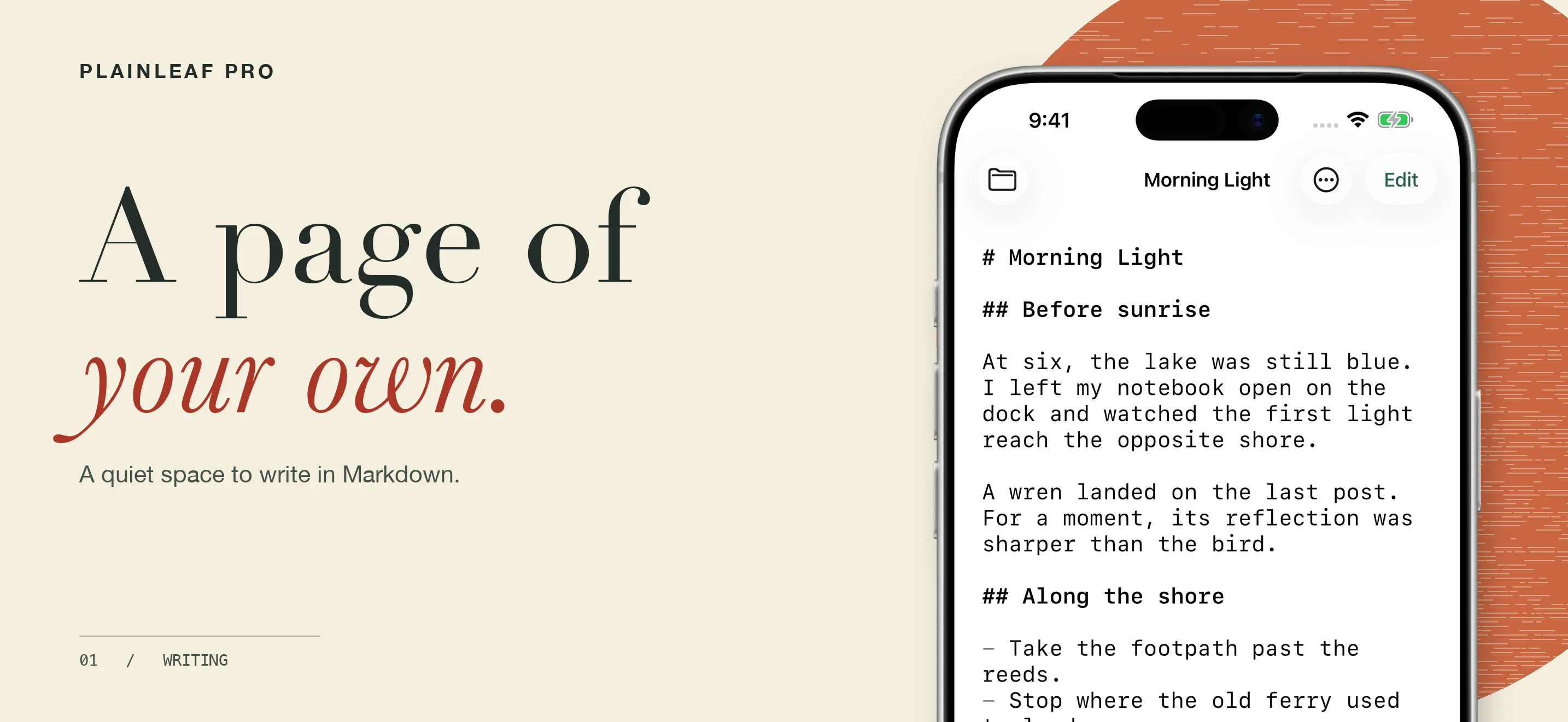
A quiet place to write
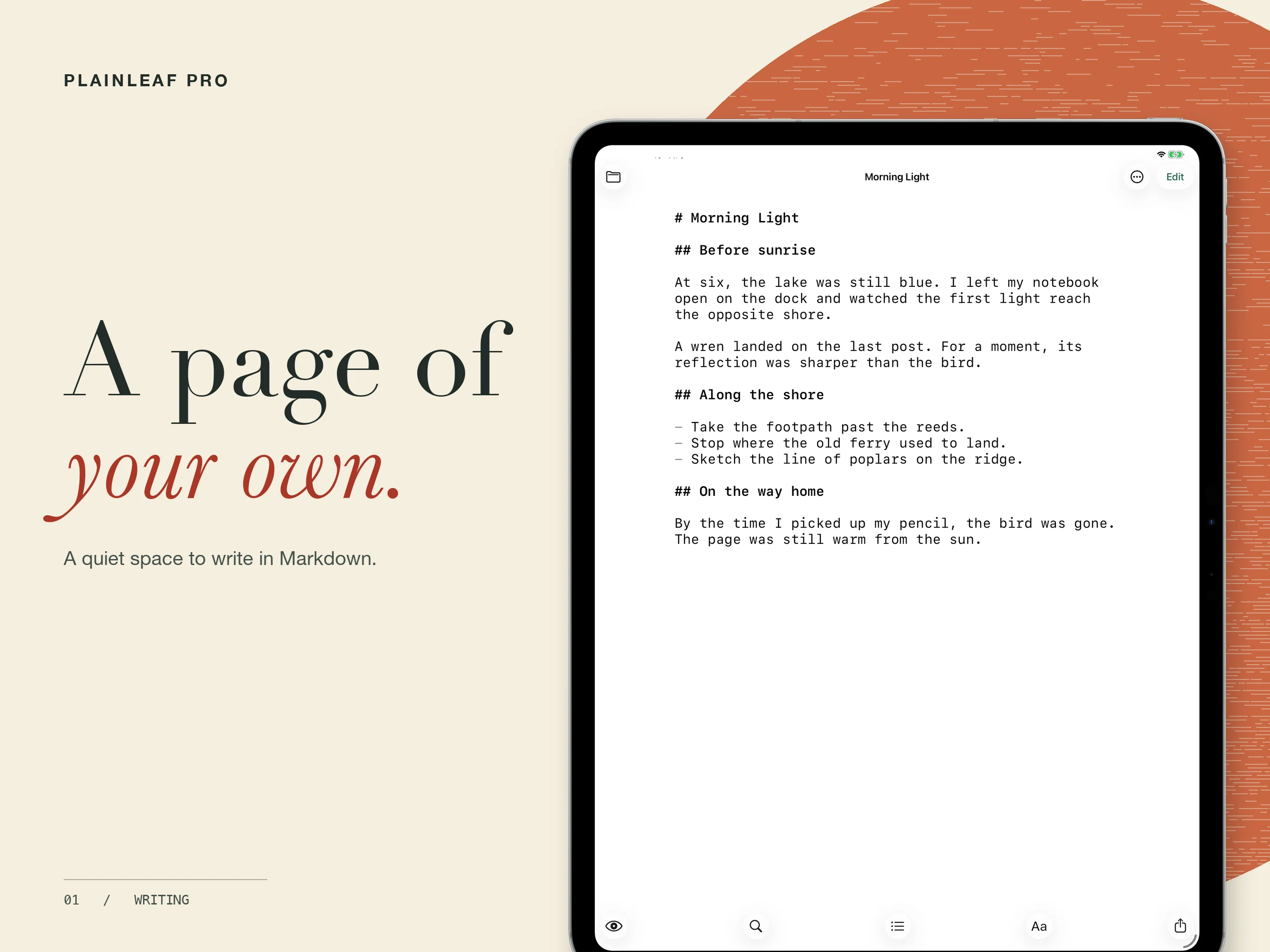
Plainleaf Pro brings Markdown writing to iPhone and iPad. Work on a quick note or a longer document with automatic saving, formatting tools, and find and replace. Open documents through the system file browser and edit them in place.
See your writing take shape
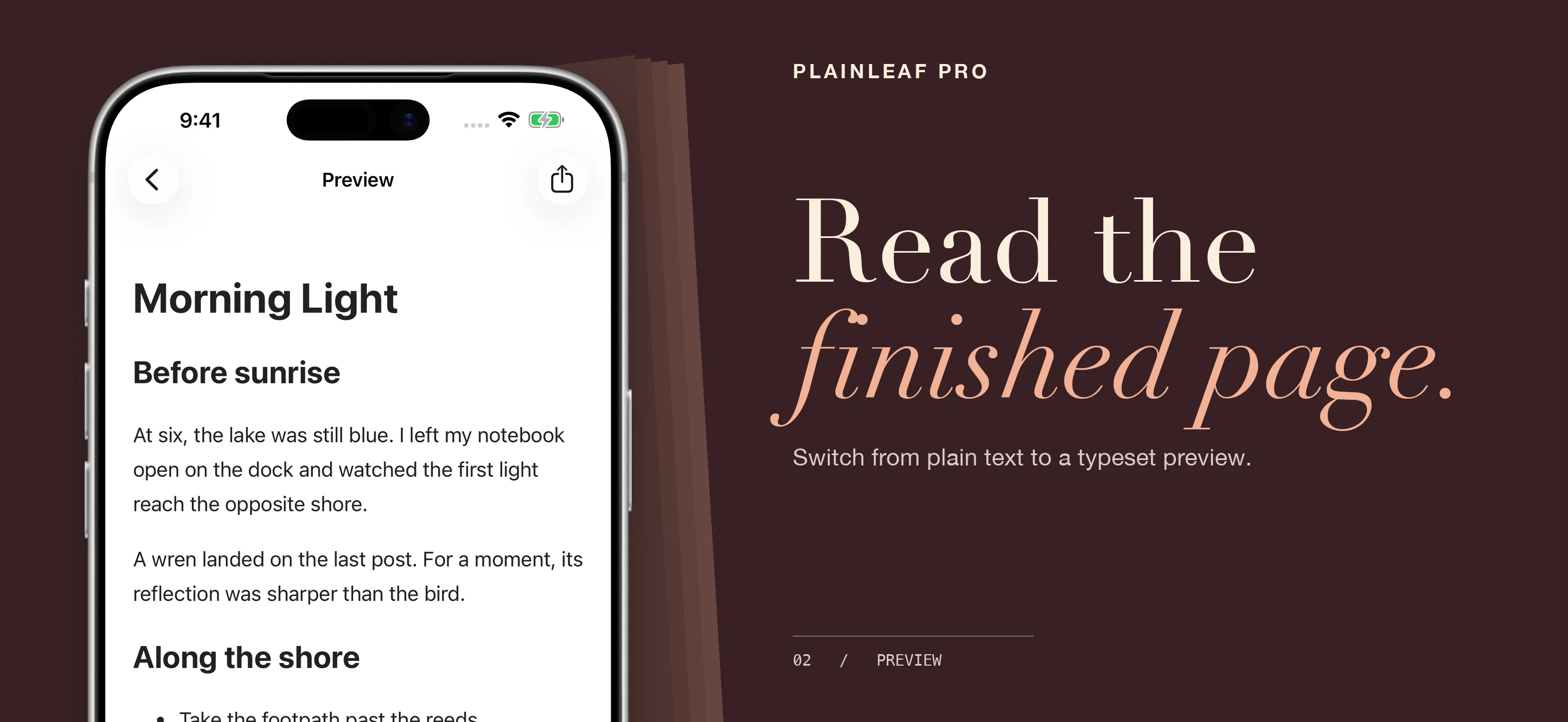
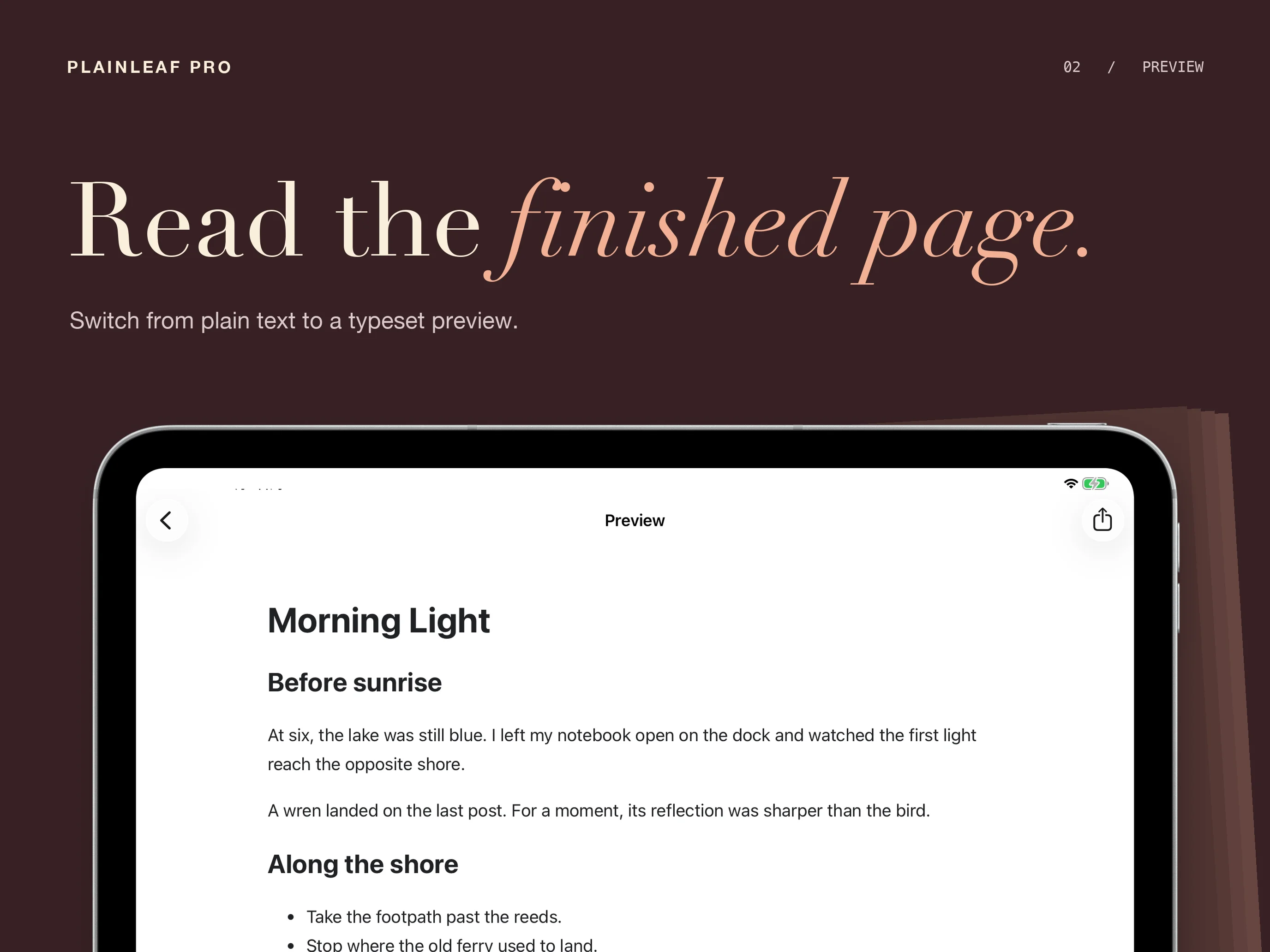
Switch from Markdown to a formatted preview. Use headings, lists, tables, and task lists to structure a page, with support for mathematical notation and diagrams. Local previews use resources bundled with the app.
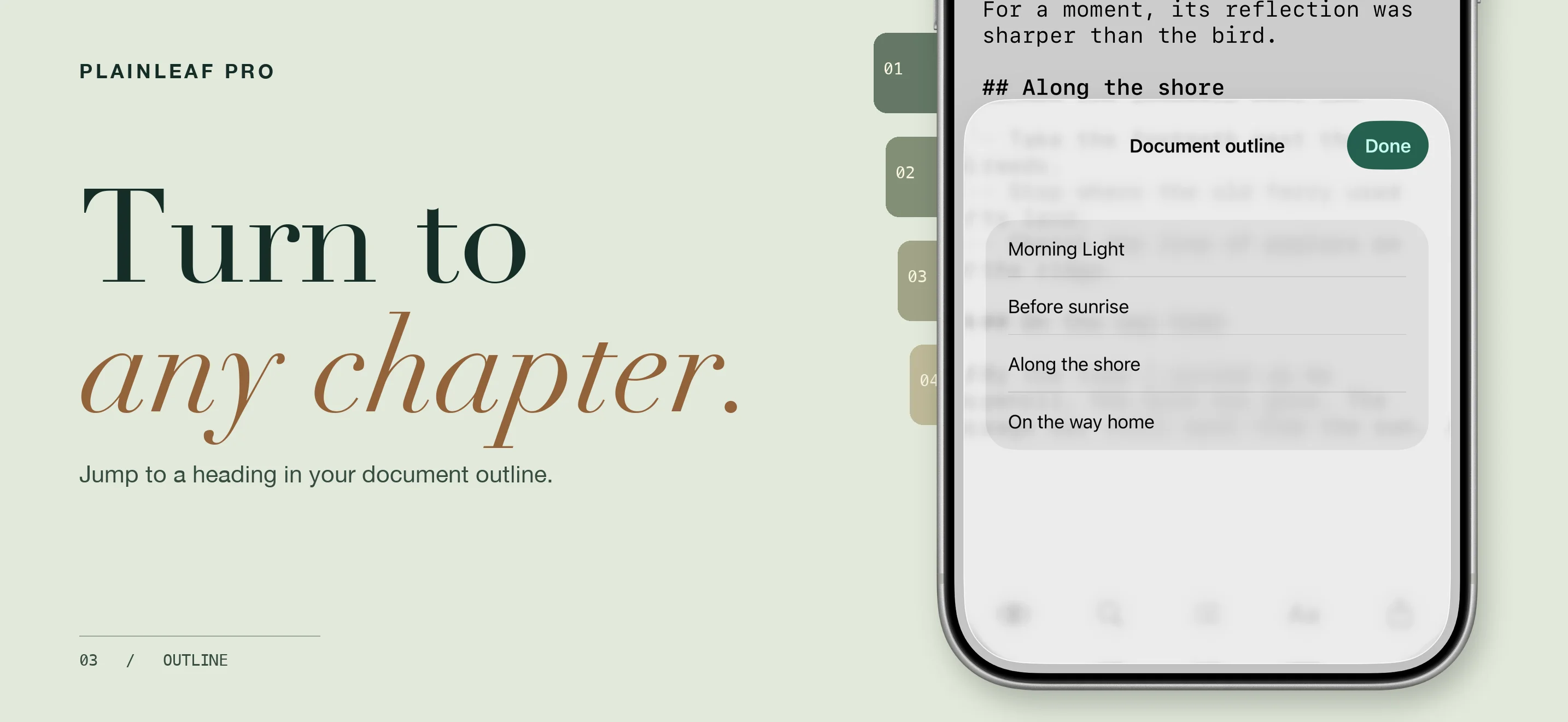
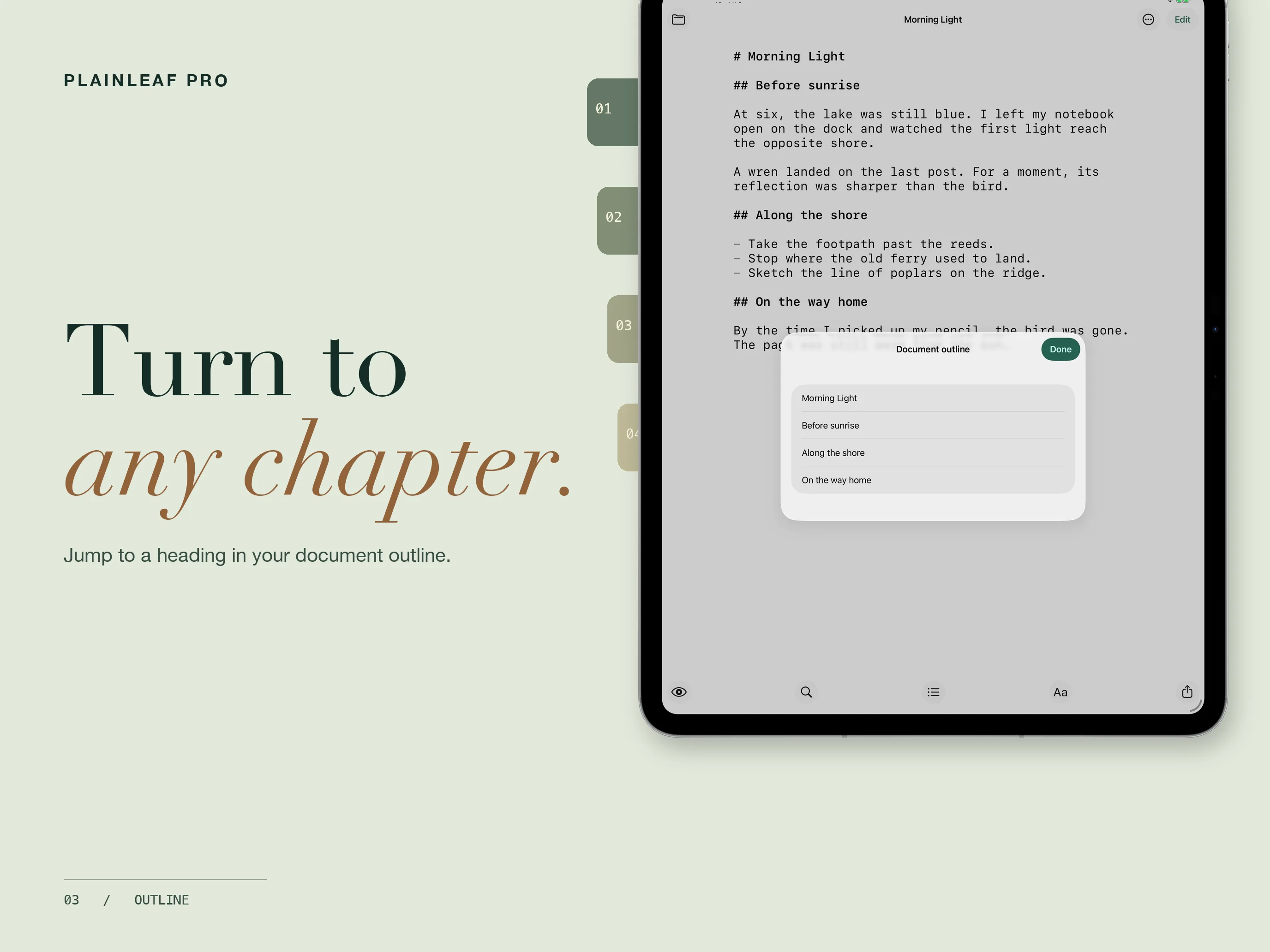
The document outline lets you jump to a heading without scrolling through the whole draft. On iPad, open a separate preview window to keep the finished page nearby.
Make the page your own
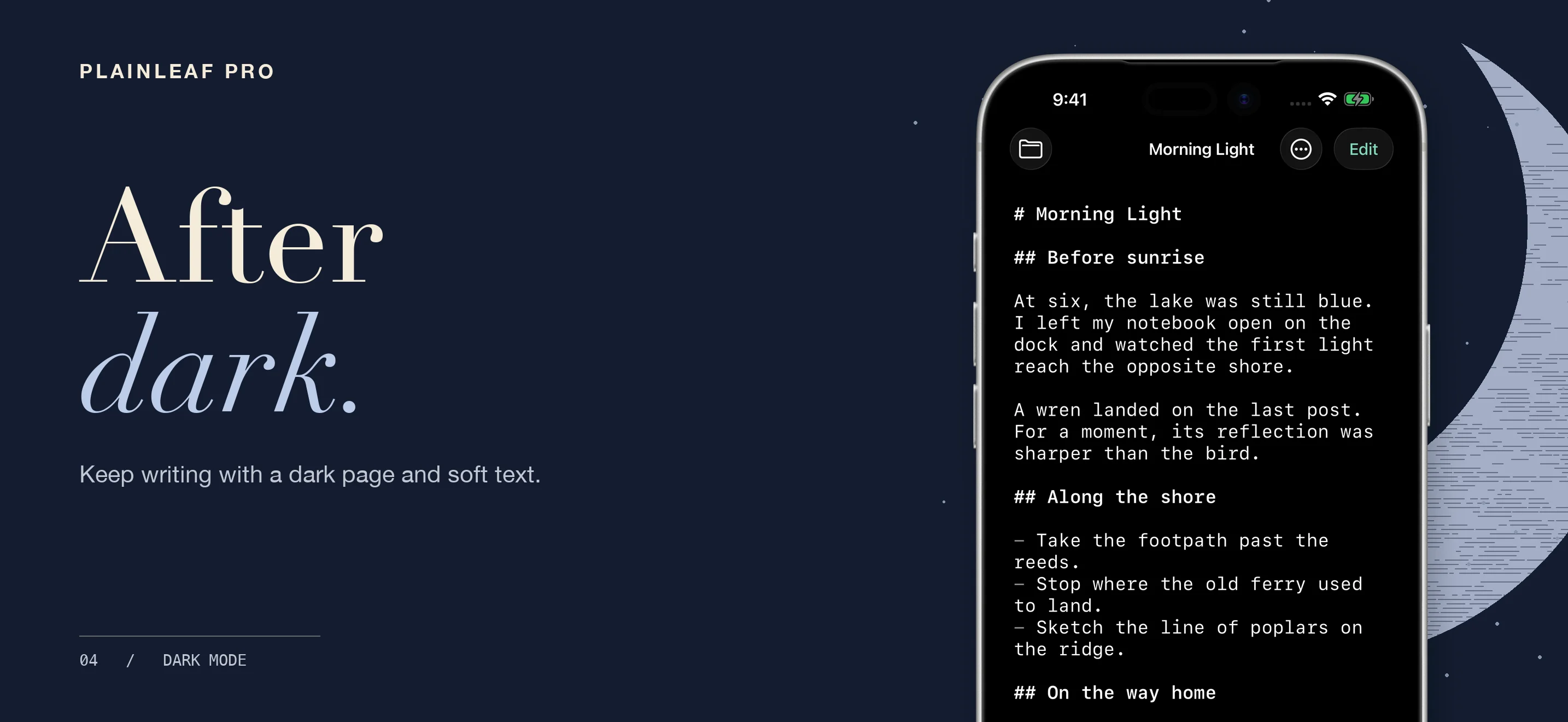
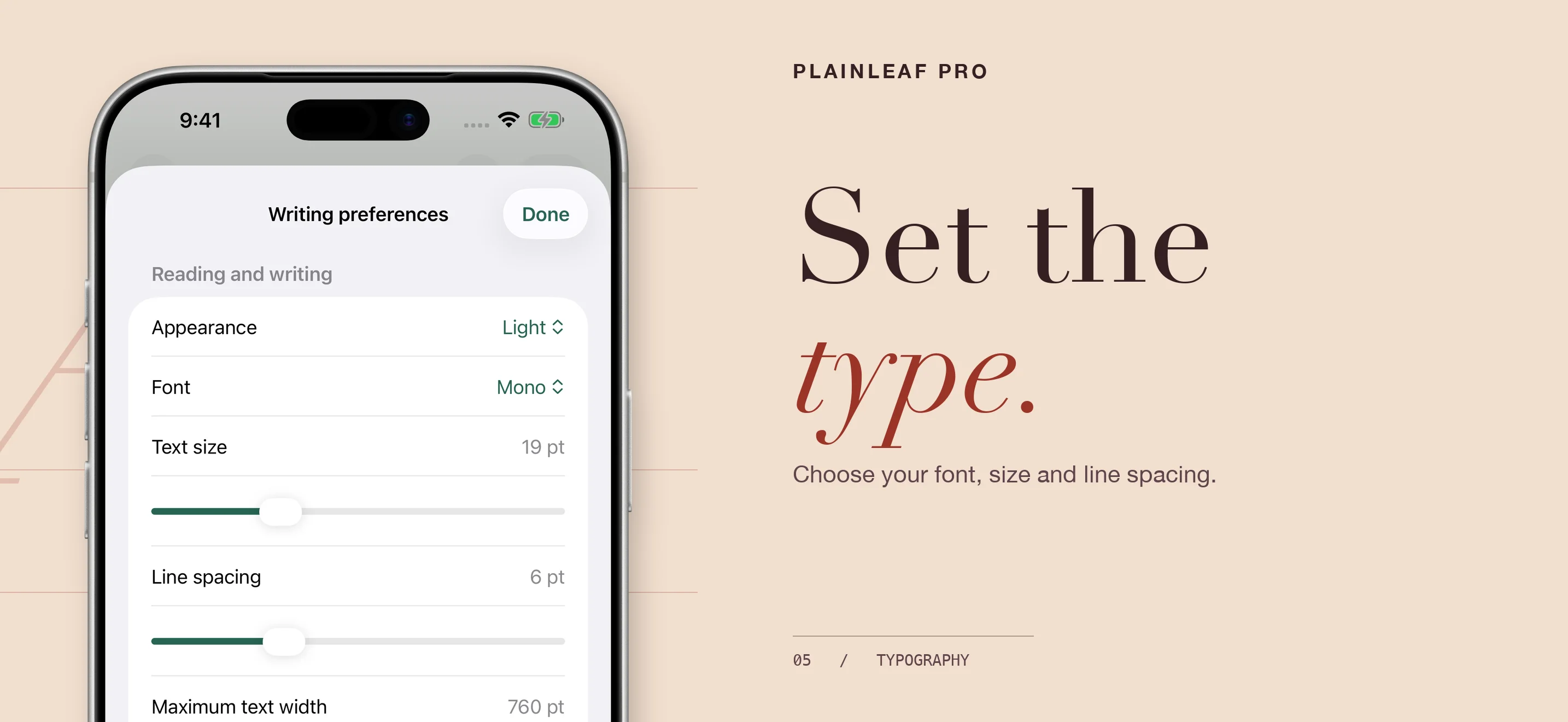
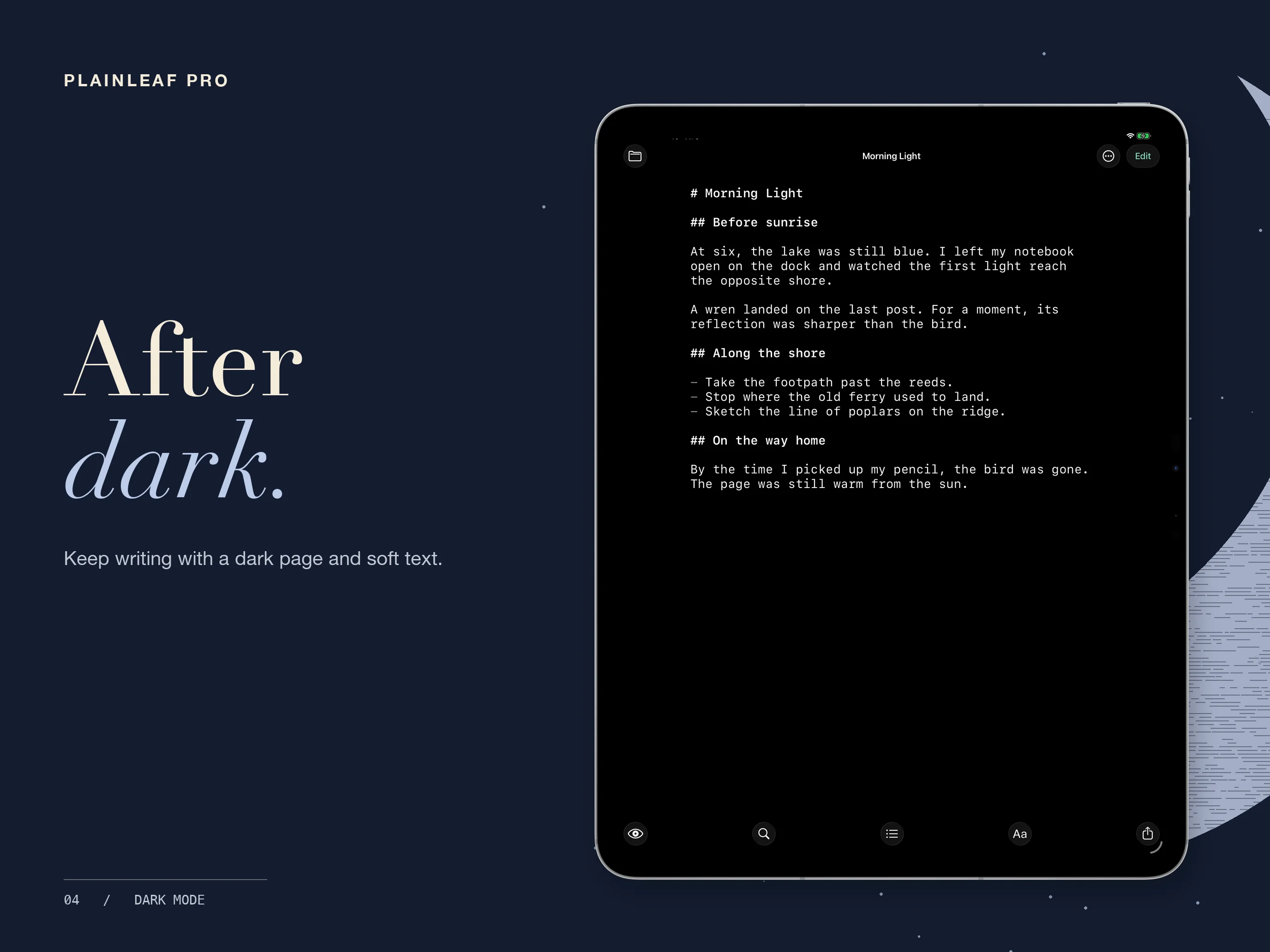
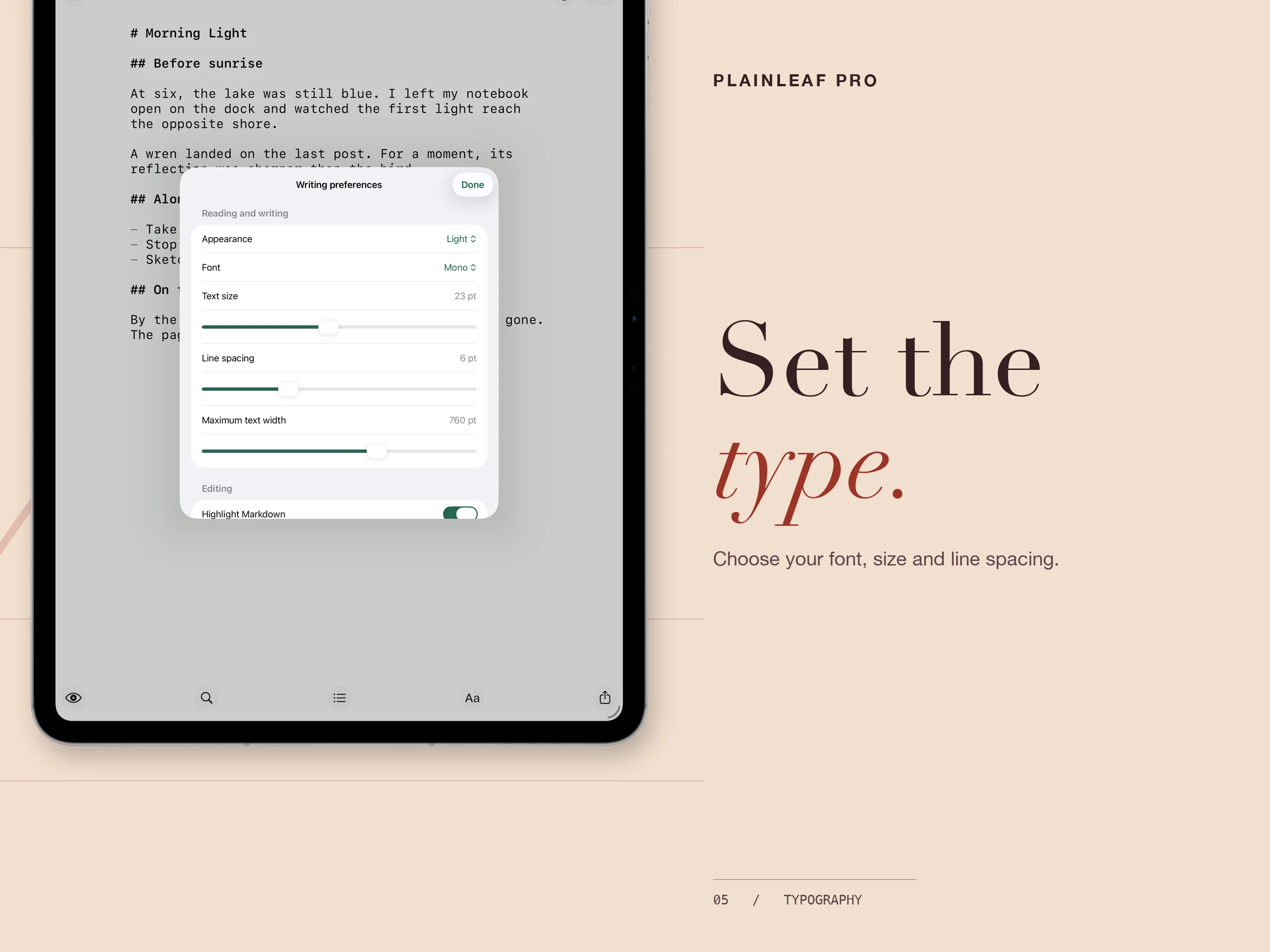
Choose a font, text size, and line spacing in writing preferences. Adjust the text width and switch between light and dark appearances to suit the way you work.
Take your draft further
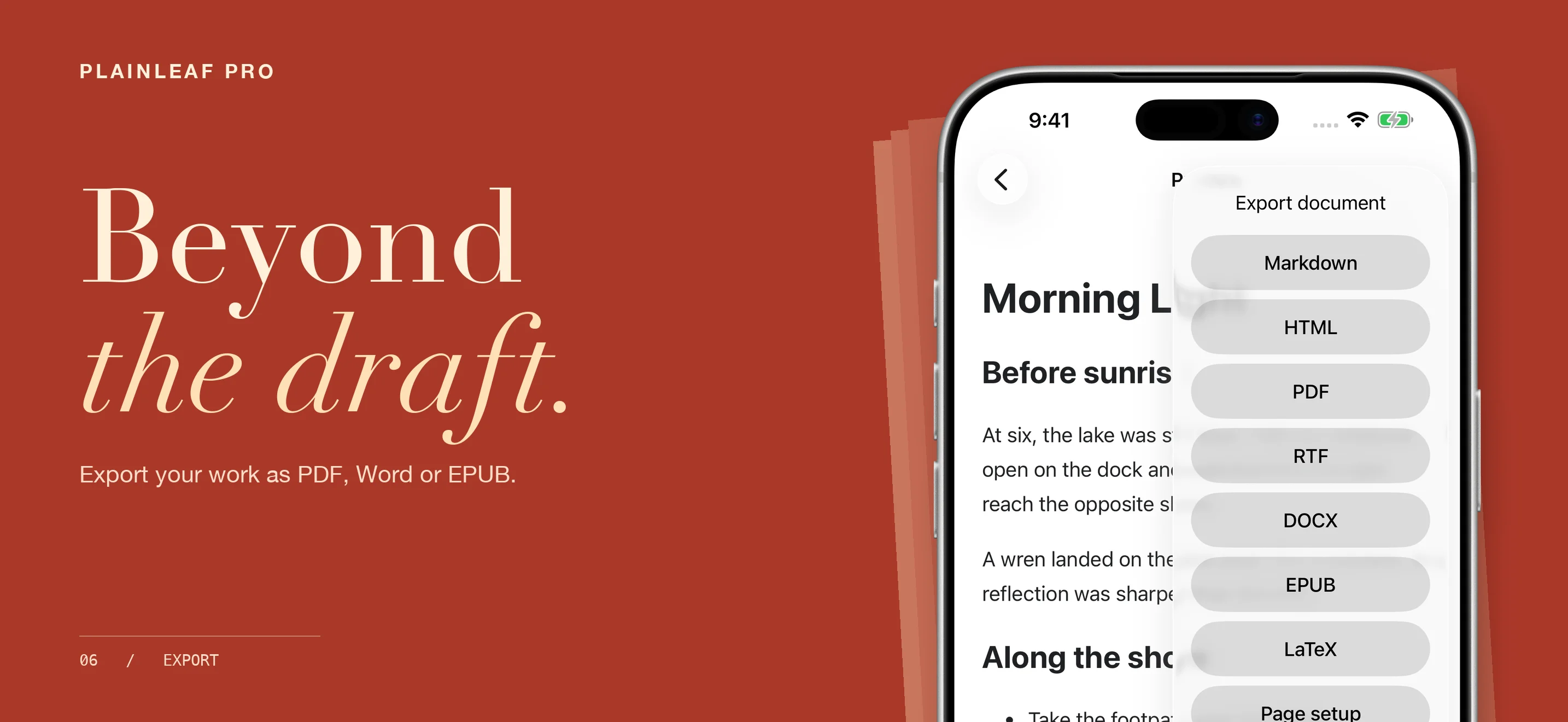
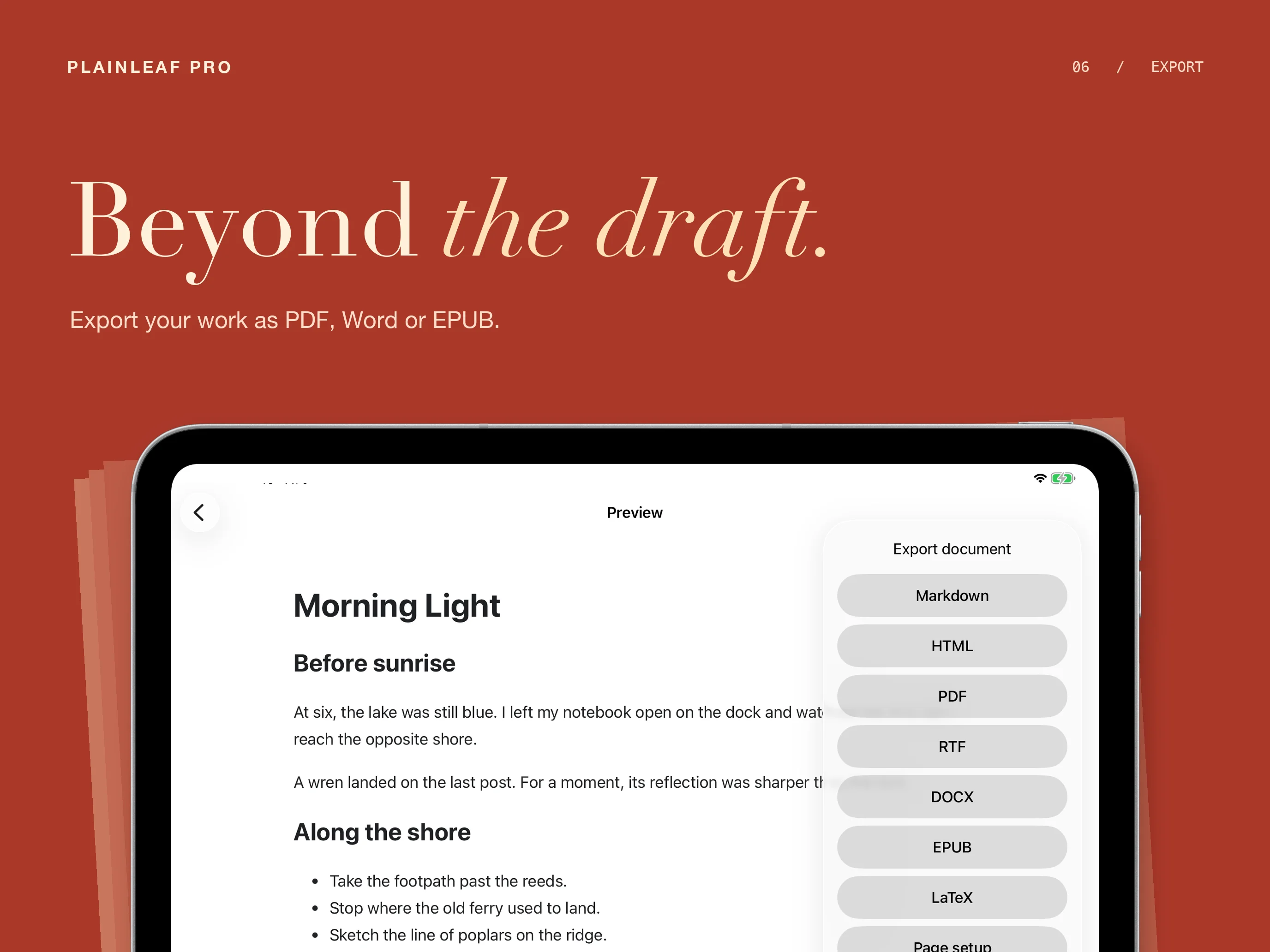
Export Markdown, HTML, PDF, RTF, Word documents, EPUB, or LaTeX from the preview’s share menu. Page setup and printing help prepare a document for paper.
Formatting varies by export format and reader. Mathematical expressions in Word and RTF exports are currently represented as readable TeX text. Use PDF or HTML when you need the rendered page with images and formulas.
Plainleaf Pro is currently in development. Public download and release details will be added when available.
Frequently asked questions
Which devices does Plainleaf Pro support?
The current project targets iPhone with iOS 17.4 or later and iPad with iPadOS 17.4 or later. Final release requirements will be confirmed before launch.
Do I need an account to write?
No account is required for local writing. Files from external providers depend on the provider and the permissions you grant. Remote images are disabled by default and require a connection when enabled.
Where can I find Plainleaf?
Visit Plainleaf for its library, folder and tag organization, Markdown preview, and export features.
Questions about Plainleaf Pro?
Find setup information and get in touch on the support page.
← All apps