

Plainleaf
Markdown Writing & Notes
Write in Markdown, organize notes with folders and tags, and preview or export your work. A quiet writing space for iPhone and iPad.
In development · Public download not yet available
- iOS 17 or later
- iPadOS 17 or later
Screenshots
On iPhone
On iPad
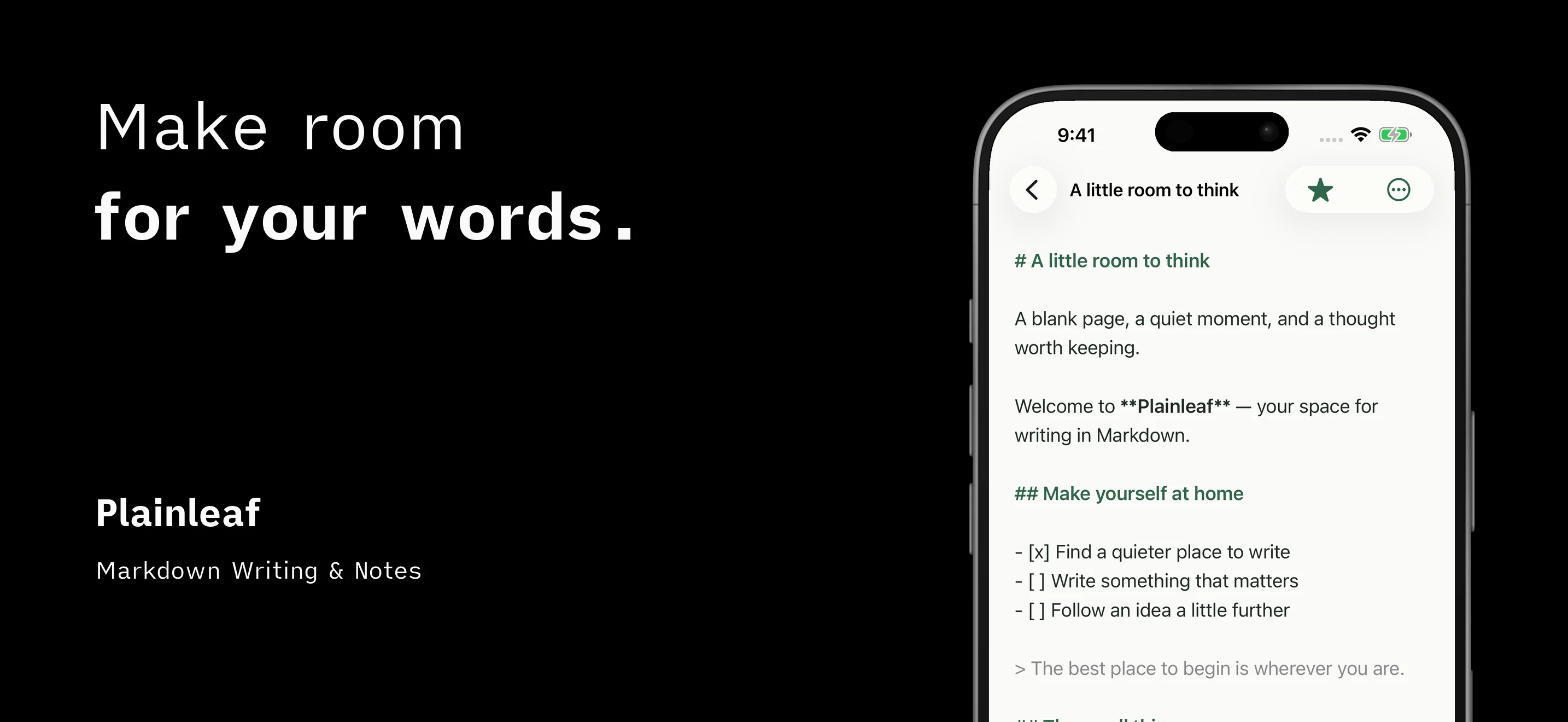
Make room for your words
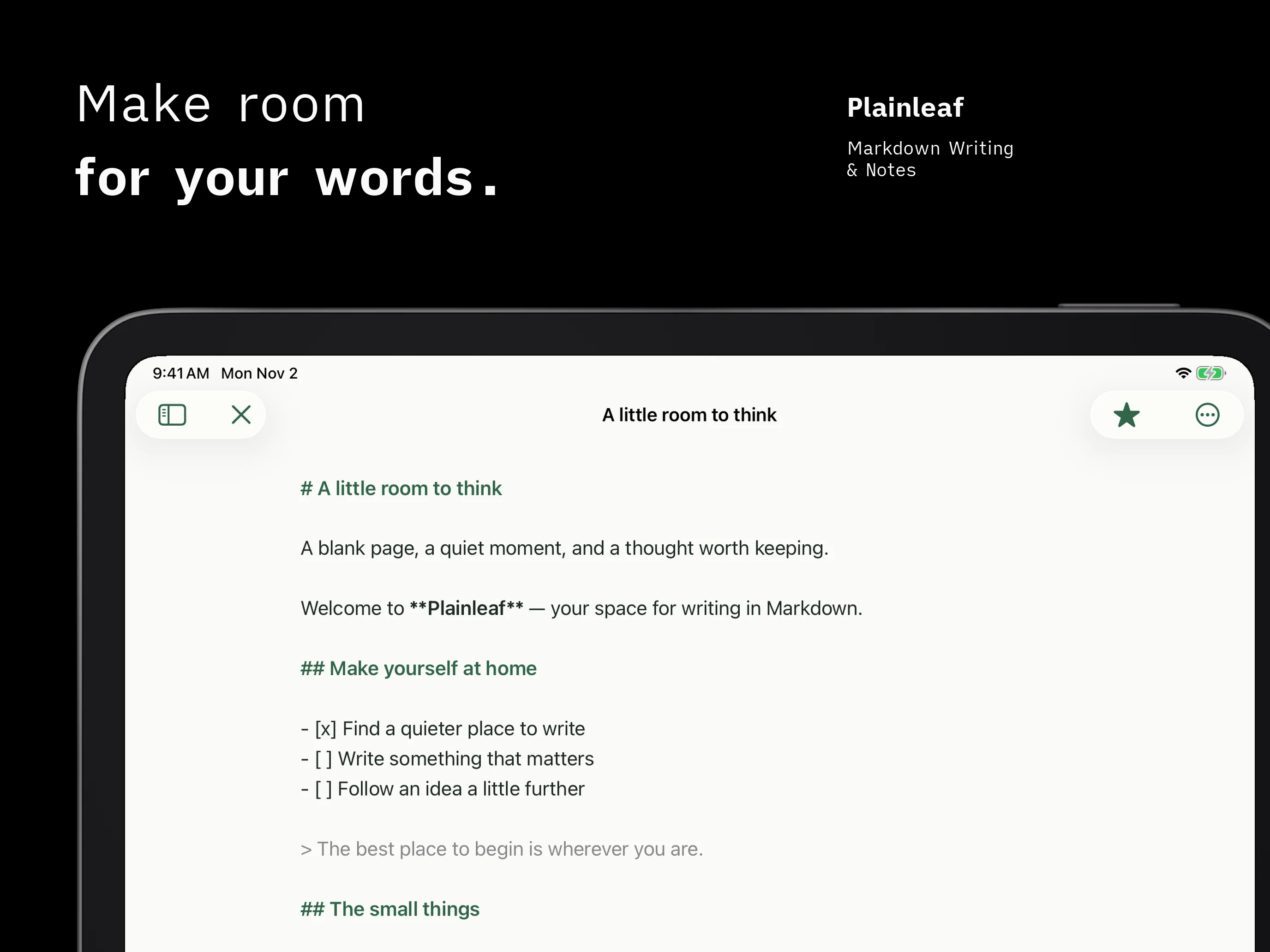
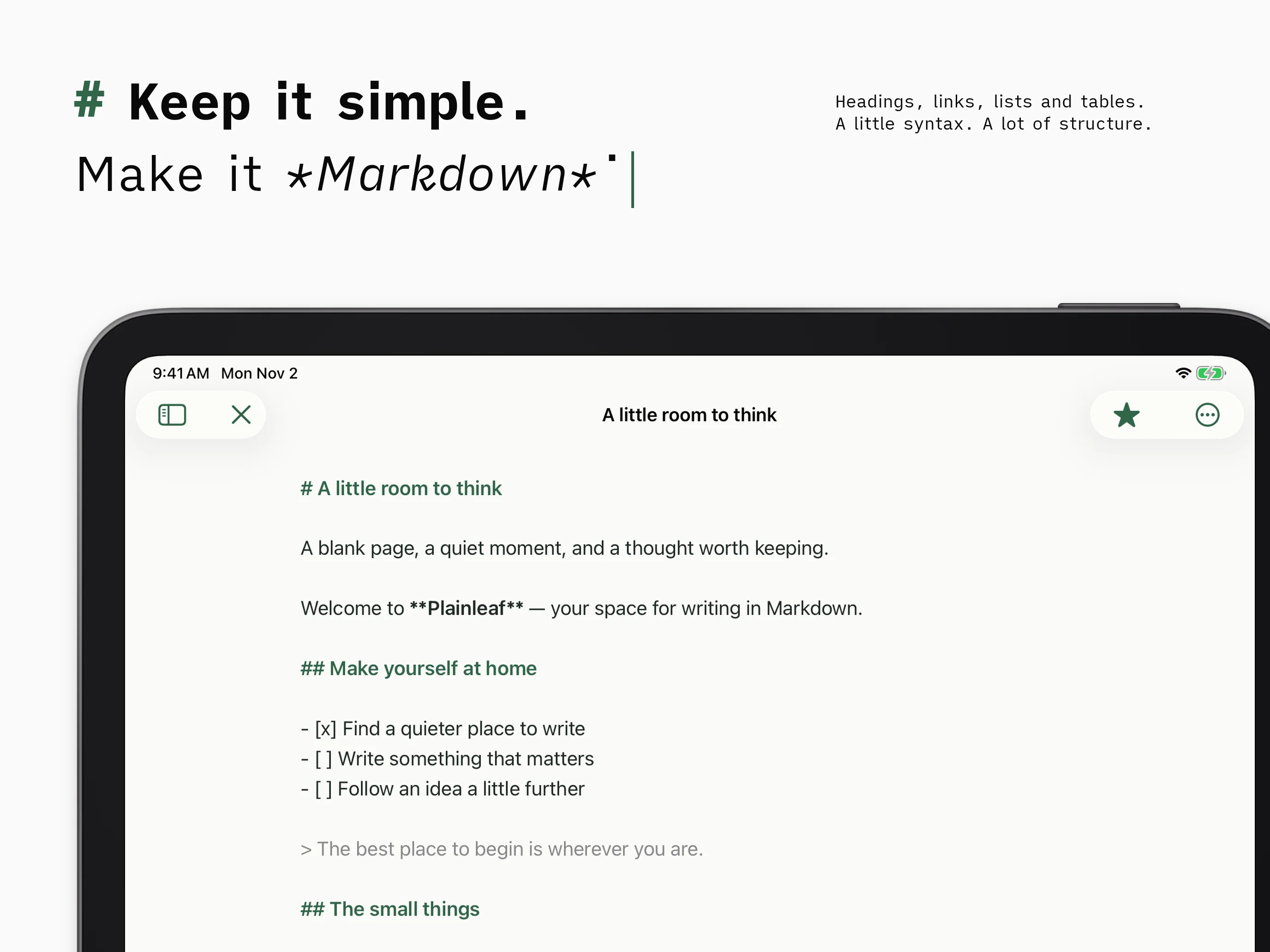
Plainleaf gives your notes and drafts a quiet place to grow. Write in Markdown on iPhone or iPad, with automatic saving and formatting tools close at hand. Local writing works offline without a Plainleaf account.
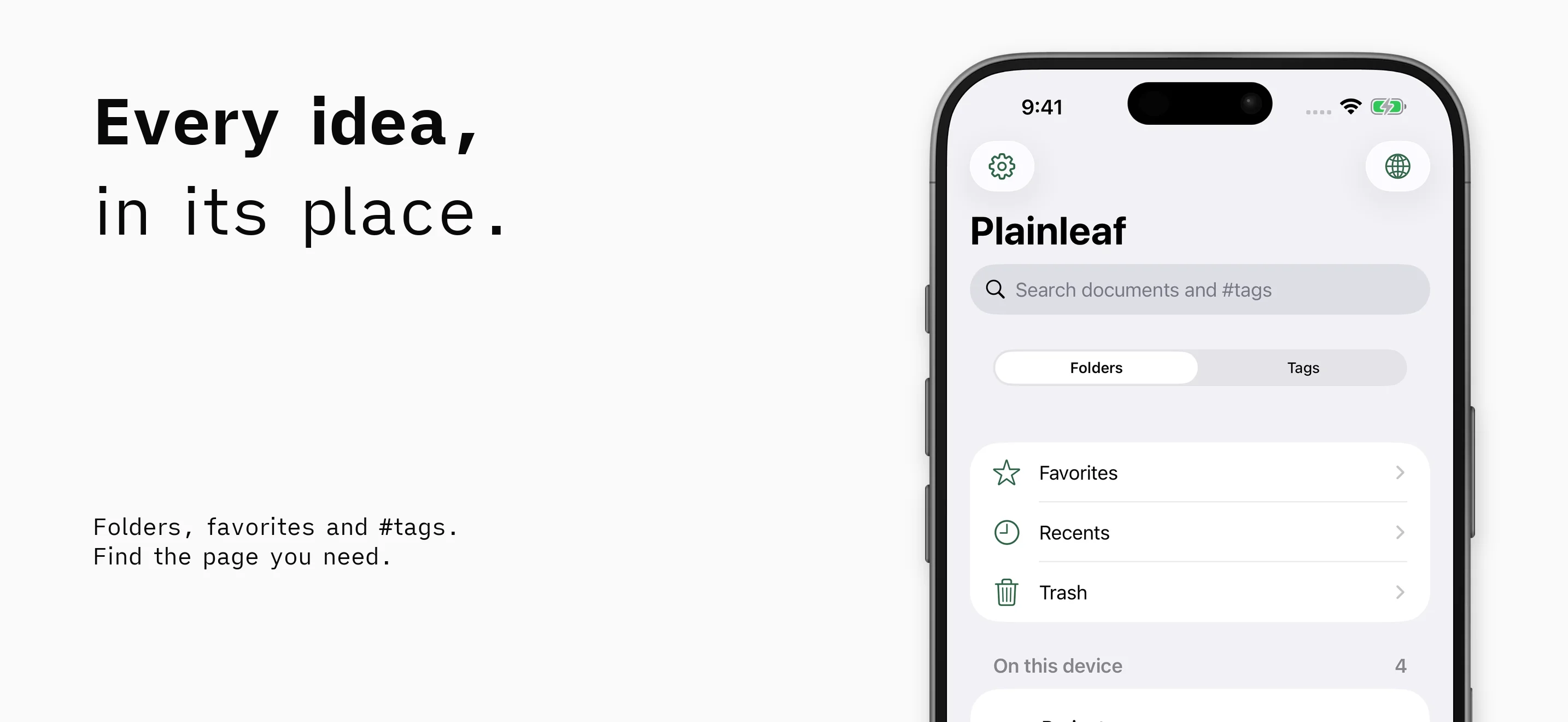
Every idea, in its place
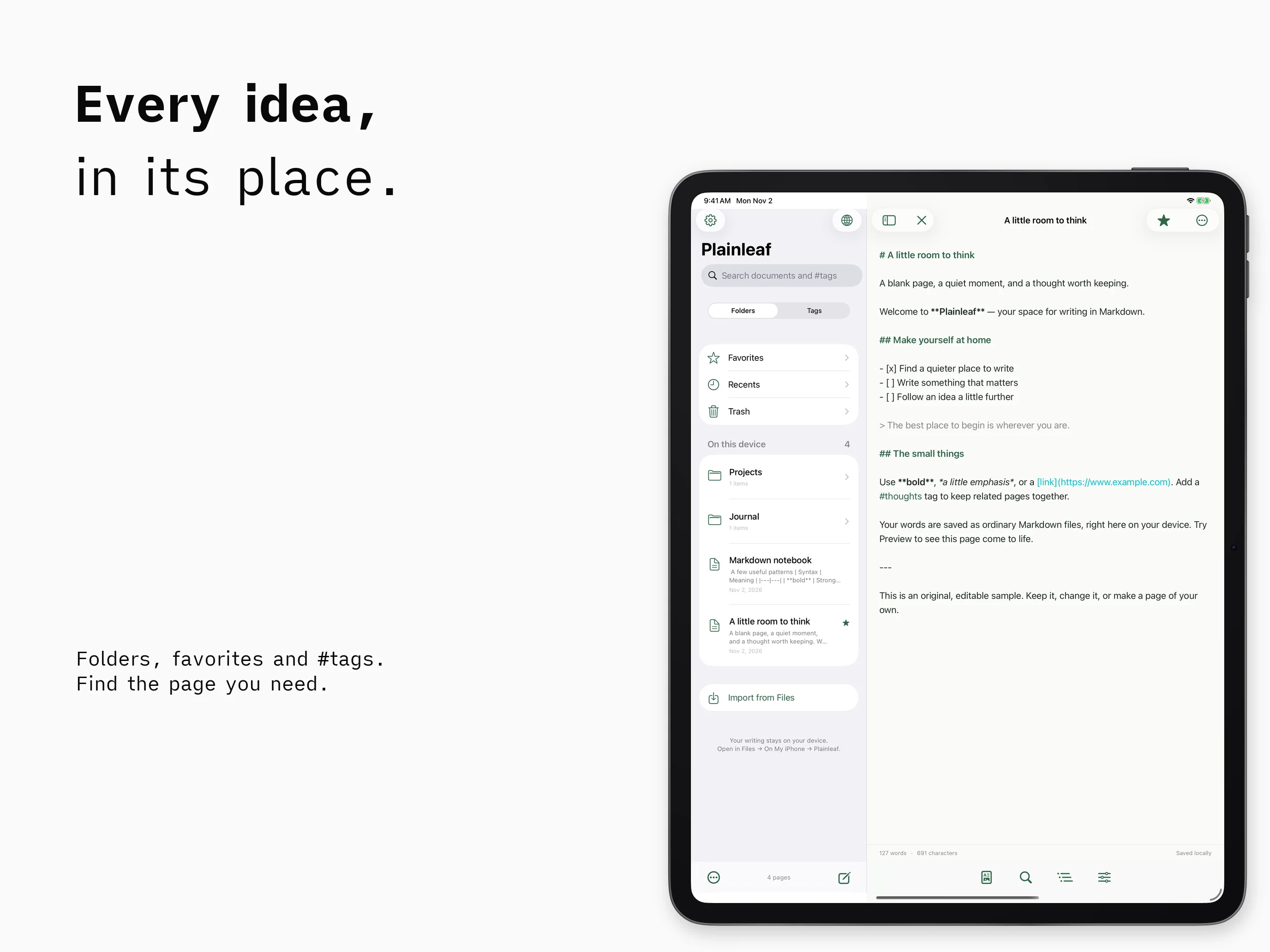
Organize documents with folders, favorites, and tags. Search filenames and text to find the page you need. On iPad, keep your library beside your document or hide the sidebar for more writing space.
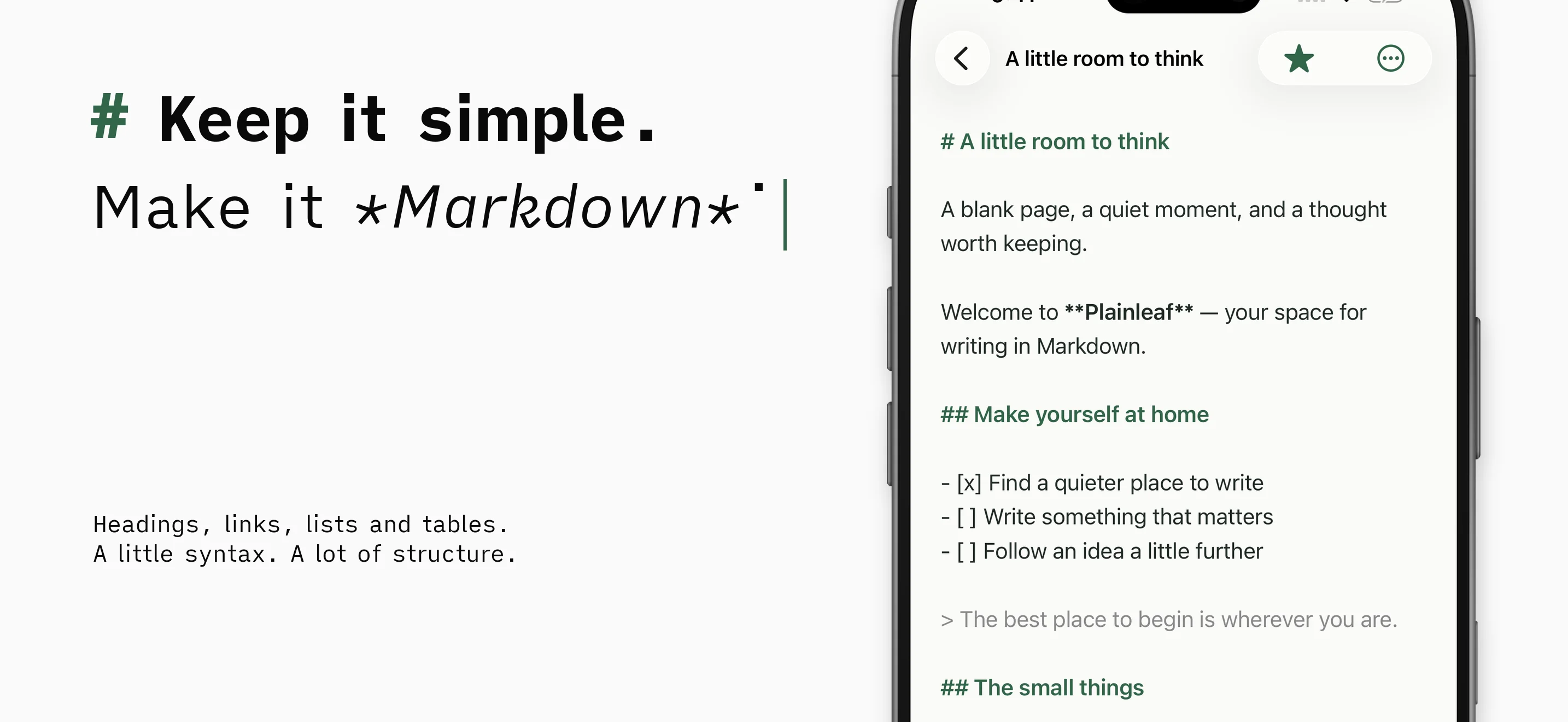
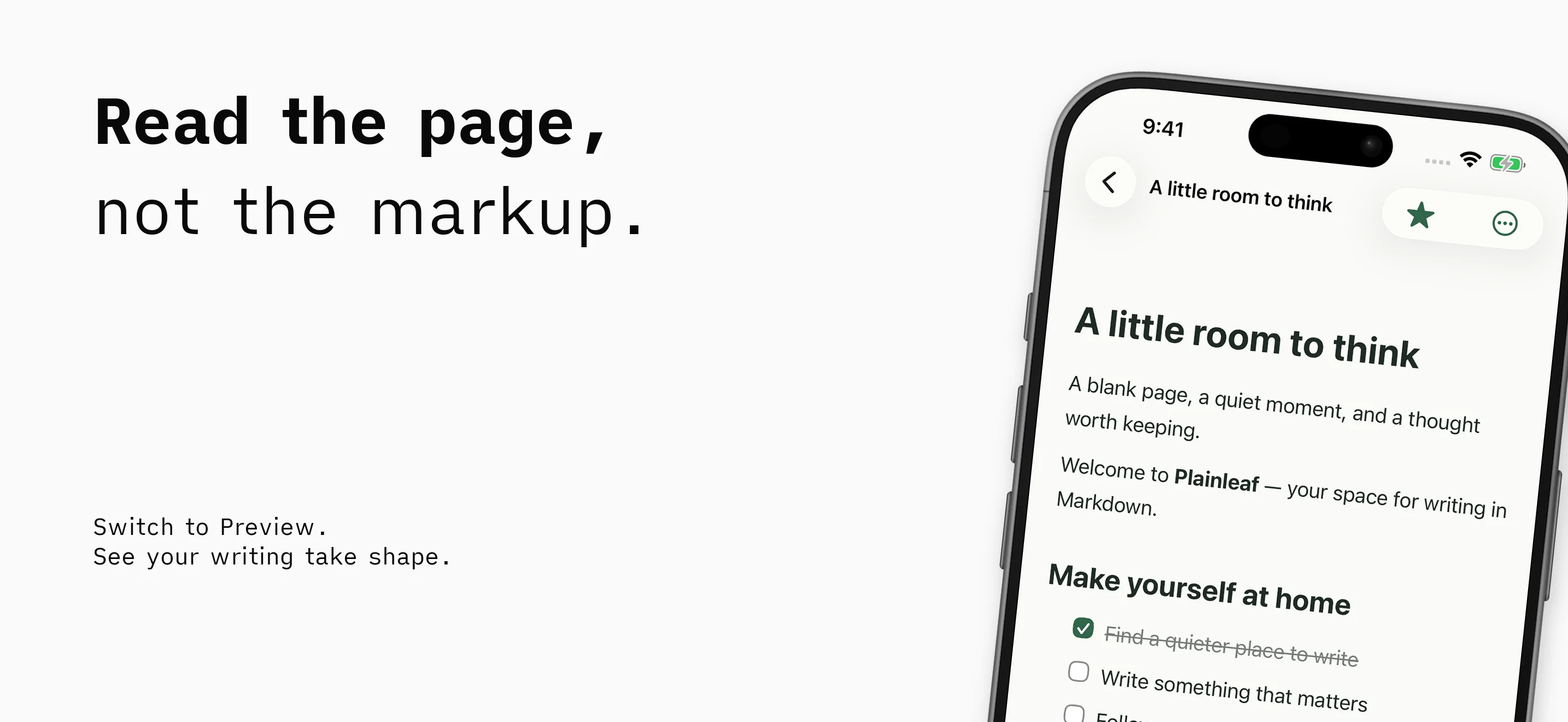
From markup to a readable page
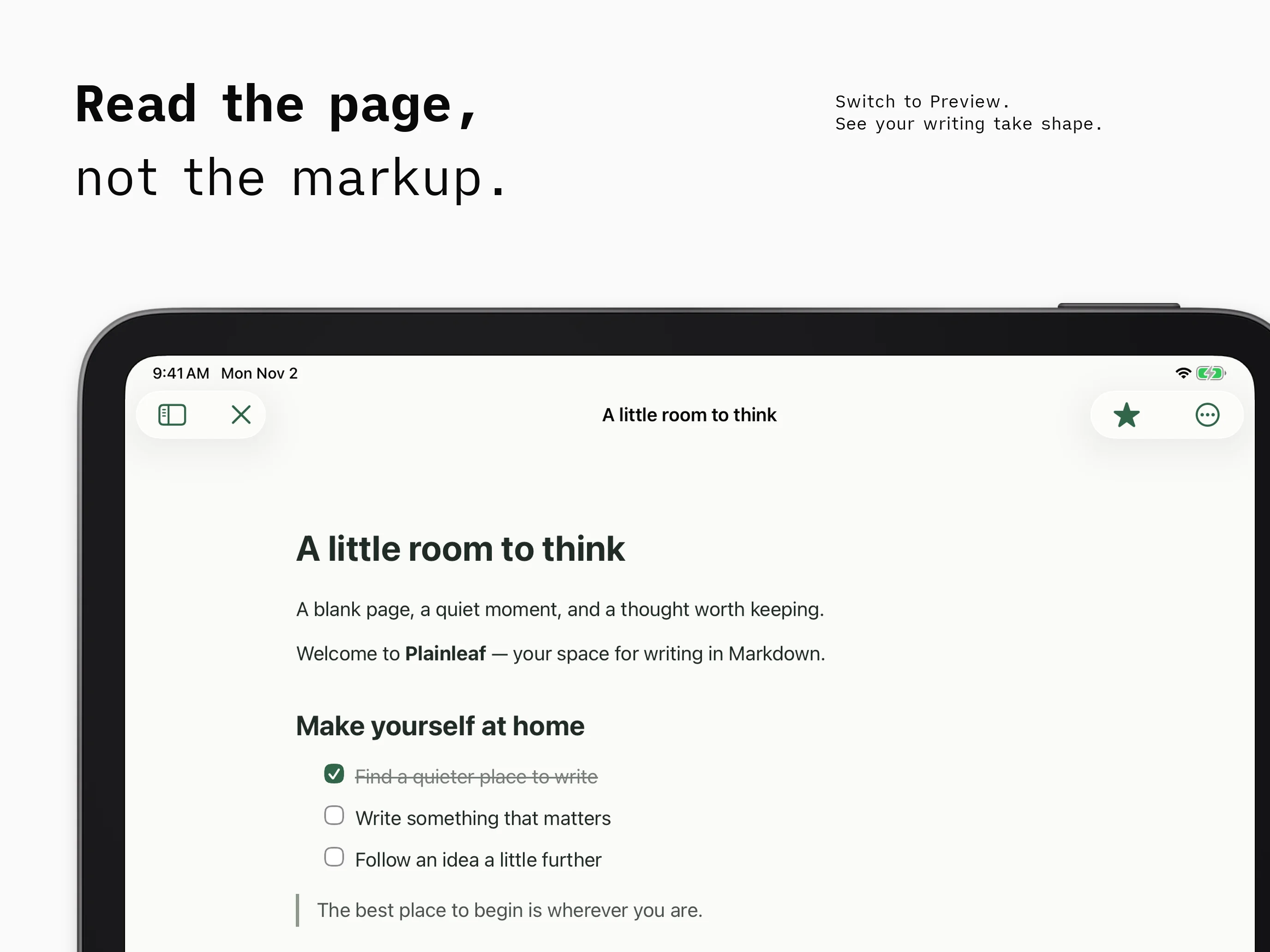
Use headings, links, lists, tables, and task lists to give your writing structure. Switch to Preview to read the formatted result, or use the outline and find-and-replace tools to work through a longer draft.
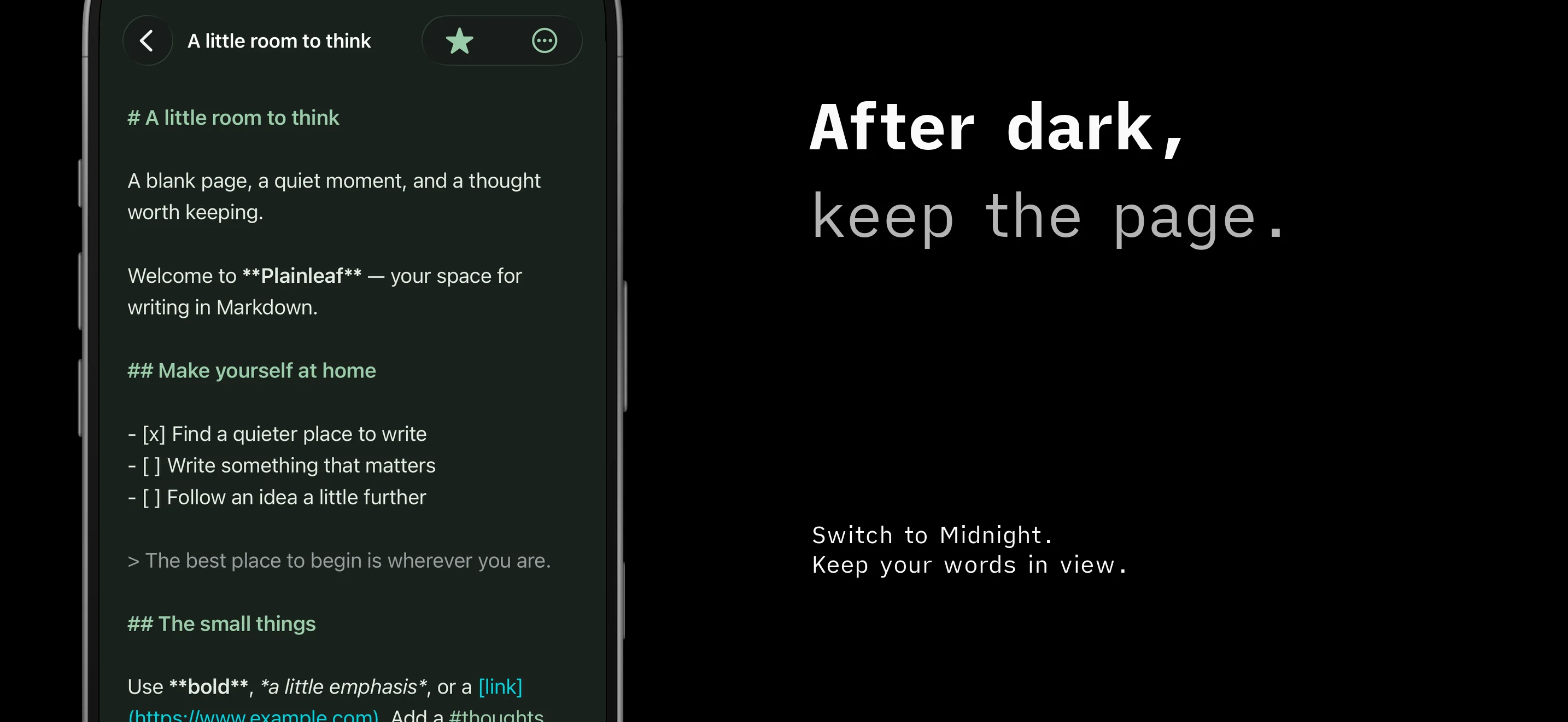
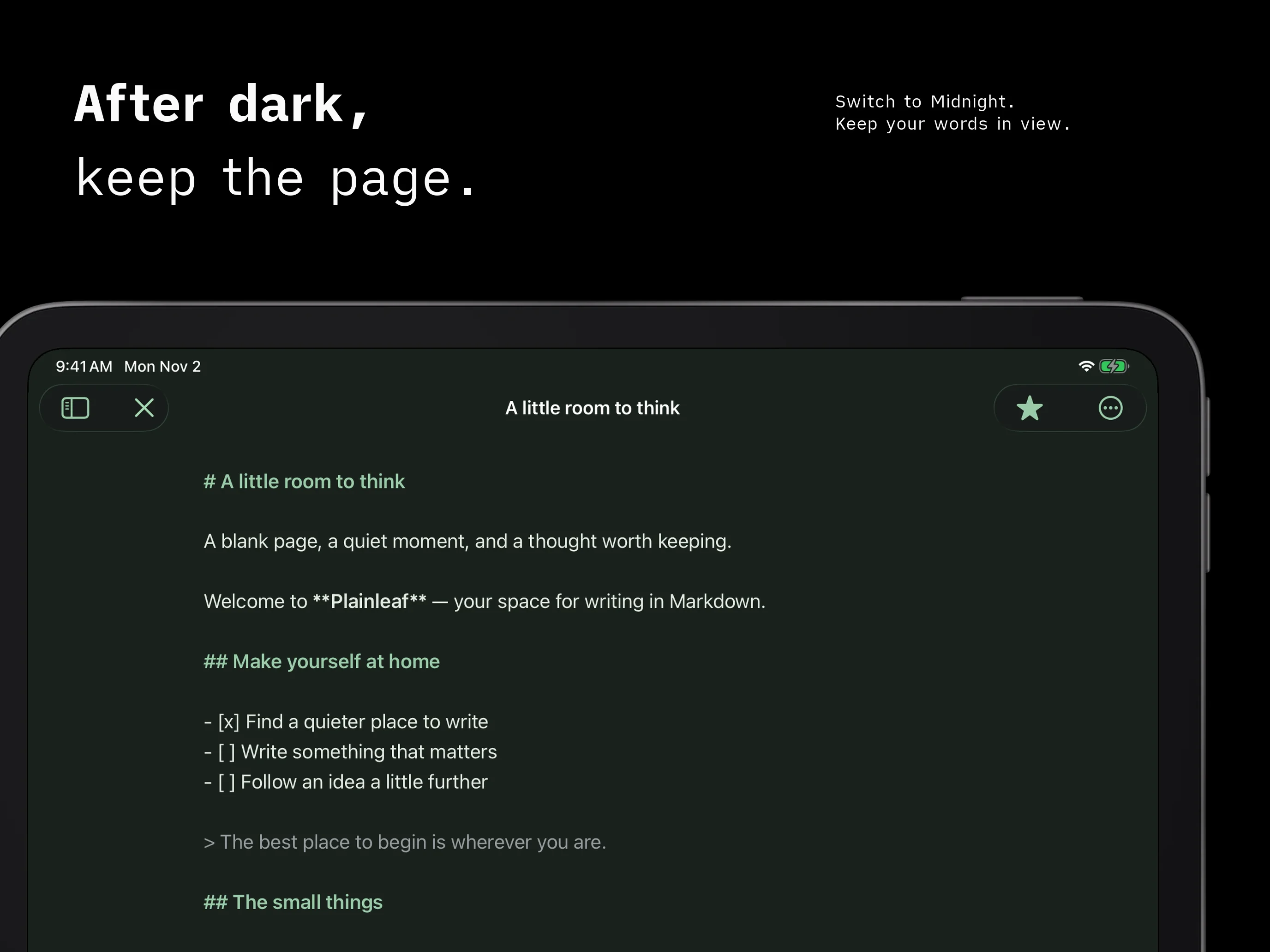
Choose a font, text size, and line spacing that feel comfortable. Switch to Midnight when you prefer a darker page.
Ready to share
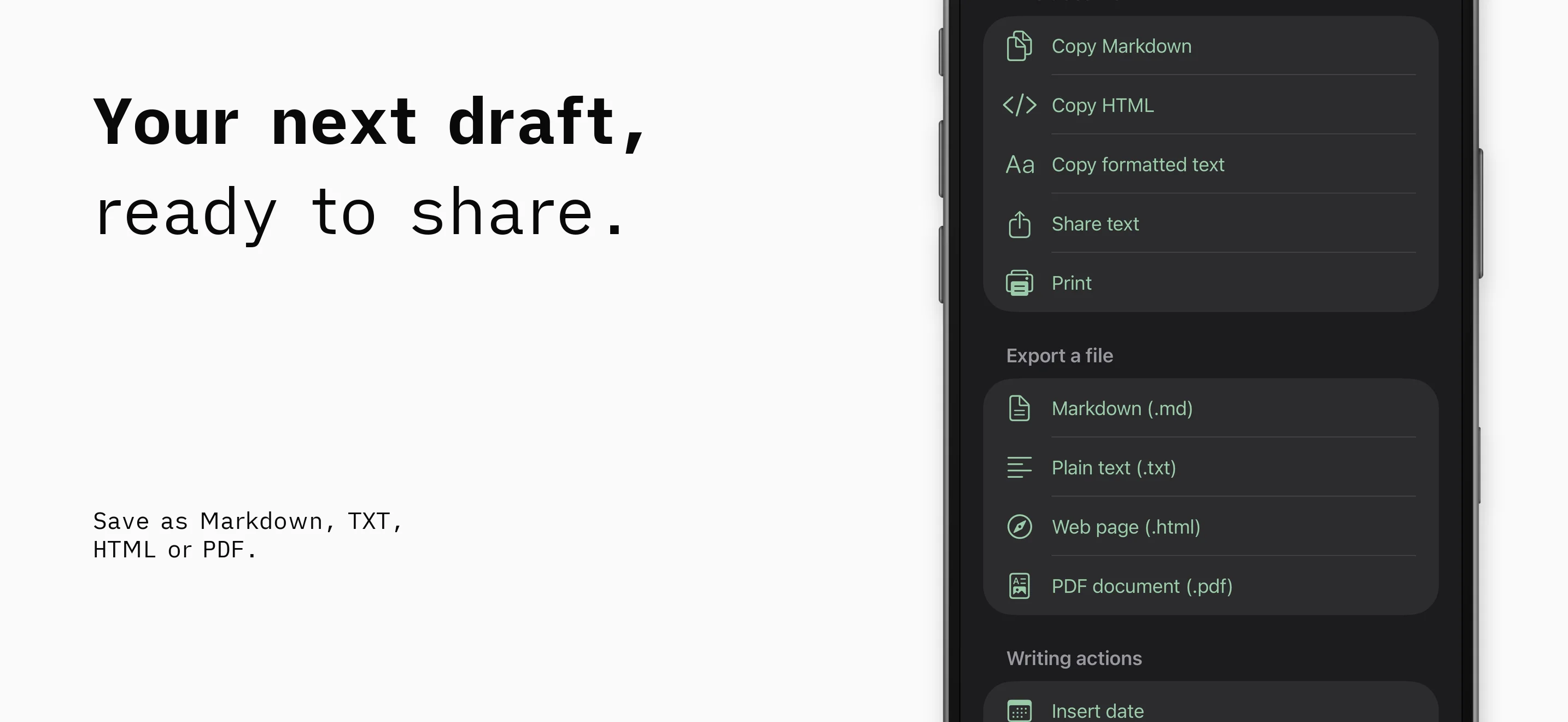
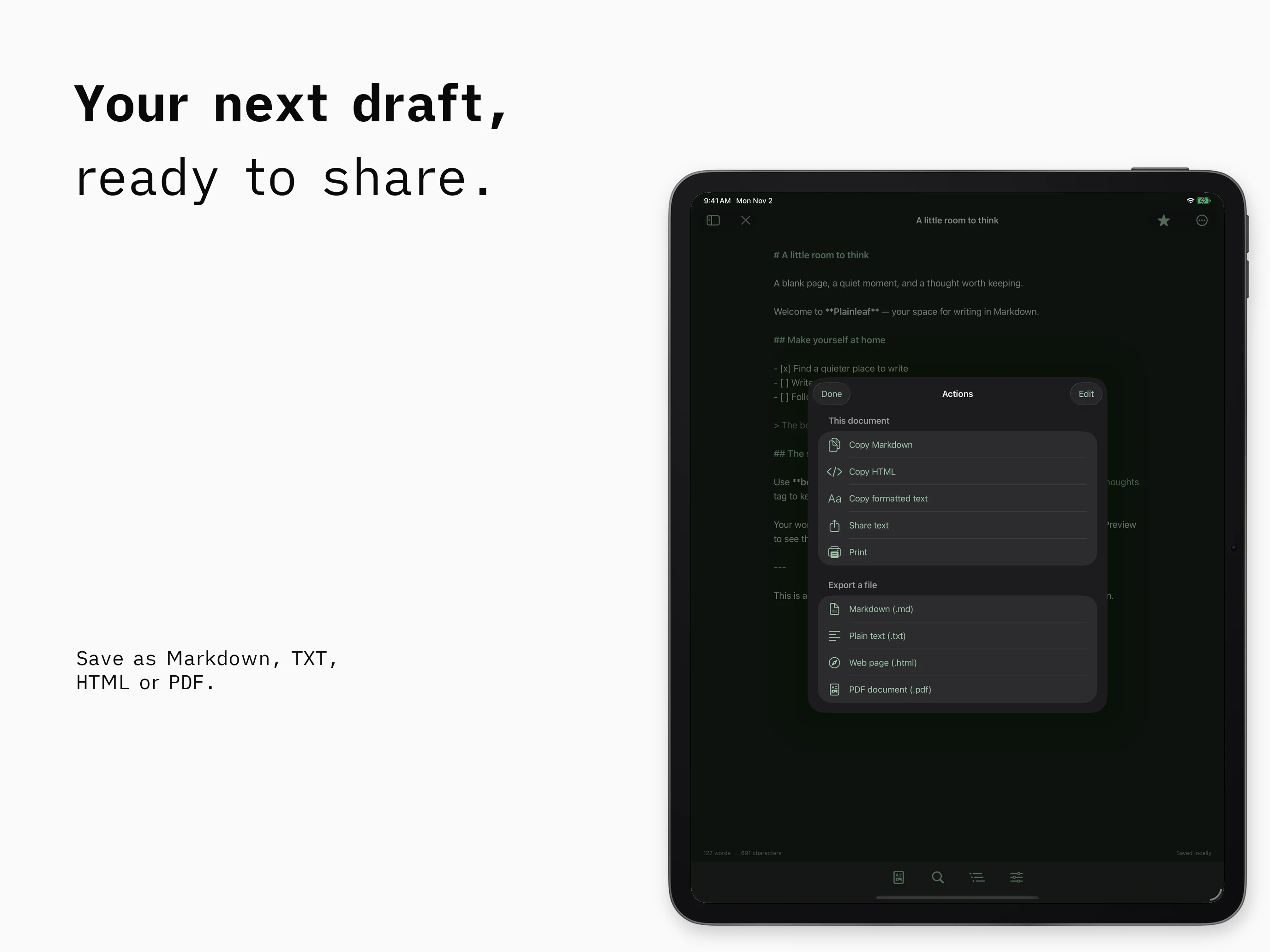
Export a document as Markdown, plain text, HTML, or PDF. Choose where to send it through the system share sheet, or print a copy. Your library uses plain-text files that you can keep and back up.
Plainleaf is currently in development. Public download and release details will be added when available.
Frequently asked questions
Which devices does Plainleaf support?
The current project targets iPhone with iOS 17 or later and iPad with iPadOS 17 or later. Final release requirements will be confirmed before launch.
Can I write offline?
Yes. Local writing and preview do not require an account or an internet connection. Files stored with external providers may need a connection to become available.
Where can I find Plainleaf Pro?
Plainleaf Pro has its own product page, with document outlines, formatted previews, and additional export formats.
Questions about Plainleaf?
Find setup information and get in touch on the support page.
← All apps